A new website may look good but still be difficult for potential customers to discover. If you have not yet reviewed its SEO, the following checks can help identify ways to improve its presence in Google, Bing and other search engines.
A website might sell products, explain services or publish information. To serve that purpose, it needs to reach relevant people. SEO is one way to support discovery, but the right priorities depend on the business and the searches its audience makes.
Build a usable website
For a large website or one with discovery difficulties, consider an appropriate sitemap. It can help search engines discover URLs, but does not guarantee indexing. Useful internal links also help people move between related articles, products and services.
Design should make important tasks straightforward. A dated appearance alone does not prove a usability problem; test whether people can read, navigate and complete the actions they need.
Give the content a clear purpose
Search engines aim to provide relevant results. Give each page a clear purpose and keep the site's overall coverage useful to its audience. A motoring website, for example, would normally prioritise questions related to cars rather than unrelated filler.
Choose relevant search terms
A clear understanding of the audience and subject also makes keyword research more focused. Keywords help describe what people are looking for. Research the language behind relevant searches, rather than choosing only broad words. A used-car business may need pages that answer particular buying questions as well as searches for “used cars”.
Google Keyword Planner provides keyword ideas and estimates for advertising research. Its data needs context, and advertising competition is not the same as organic ranking difficulty.

The image shows vehicle-related keyword examples and search demand estimates. Read the figures with their market, time range and tool definitions in mind.
For more guidance, see “ How to choose a relevant keyword for SEO”.
Create useful content
Content should answer the question that brought the visitor to the page. Questions can work as headings when the following section provides a useful answer. For a motoring site, a practical transmission repair guide or an explanation of fuel injector symptoms may be more helpful than a vague overview.
Publish original, accurate material and respect other creators' rights. A fixed publication frequency does not guarantee better rankings. Copying content can create rights and search-quality problems, while duplicate content is not automatically subject to a universal penalty.
Review articles and product information when facts, availability or customer needs change.
Relevant links from other websites can support discovery and contribute to search evaluation. Their usefulness depends on context and quality, not simply the number acquired. Avoid buying links primarily to manipulate rankings.
Write accurate titles and headings
A page's title element and visible headings have related but different roles. The title can inform a search result's title link, while headings organise the page for readers. Both should describe the content accurately.
Keep the title consistent with the material on the page. Do not title an article “SEO” if the content does not address it. This creates a misleading experience; it is not evidence that Google applies a specific automatic penalty for any title mismatch.
Optimise images appropriately
Use images when they explain a product, service or concept. More images are not automatically better: select useful visuals and make sure they do not introduce unnecessary loading costs.
Choose dimensions, compression and a format suited to the display. WebP or AVIF may be appropriate. There is no universal one-megabyte rule; aim for an efficient file that retains the detail the user needs.

Provide alt text appropriate to the image's purpose and context, or empty alt text for a decorative image. There is no universal 125-character rule that replaces a meaningful description.
Investigate loading delays
Loading delays can interrupt the visitor's task. Use PageSpeed Insights, field data where available and appropriate lab tests to identify the actual causes, rather than assuming one speed threshold explains every visit.
On WordPress, review unnecessary plugins and the effects of each one. Caching tools such as LiteSpeed Cache or WP Rocket may help in a suitable configuration, but test changes and do not assume installing a plugin resolves every issue.
Write informative meta descriptions
A meta description is an HTML summary that Google may use for a snippet. Write an accurate, useful description. Display length varies by query and device, so 150 characters is a writing guideline rather than a strict HTML or Google limit.

Many content management systems provide fields for these descriptions without editing HTML directly. On WordPress, tools such as Yoast SEOcan provide that interface.
Connect related pages
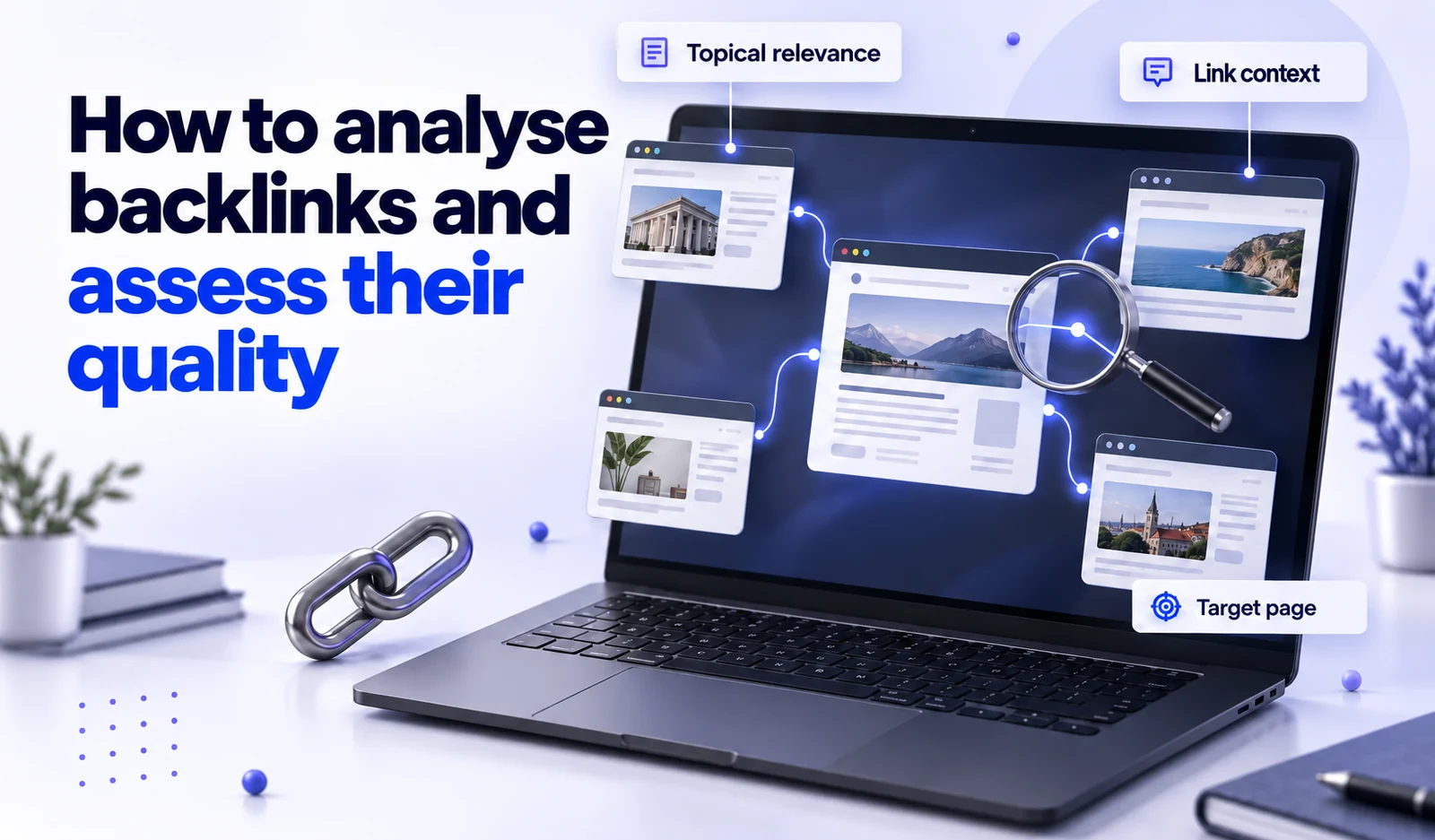
External references to your website are called backlinks. They should be assessed for relevance and context rather than treated as a quota. Be cautious about SEO copydesigned primarily to generate ranking links. Within your own content, use internal links to related material where they help the visitor.
Internal links should serve a clear purpose. Avoid paragraphs overloaded with links, check the destination and use descriptive wording. There is no universal link count that makes a paragraph acceptable or causes search engines to reject it.