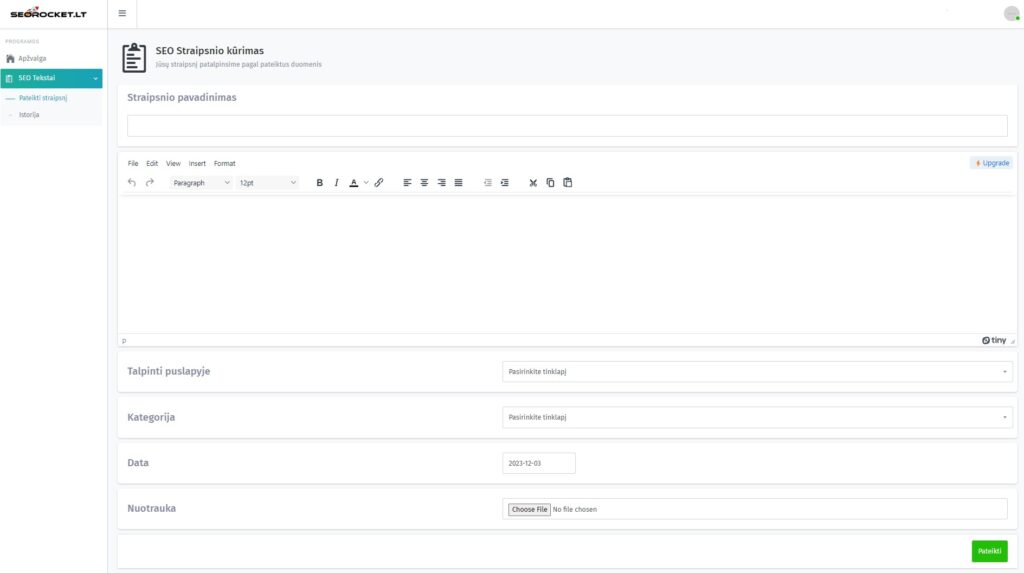
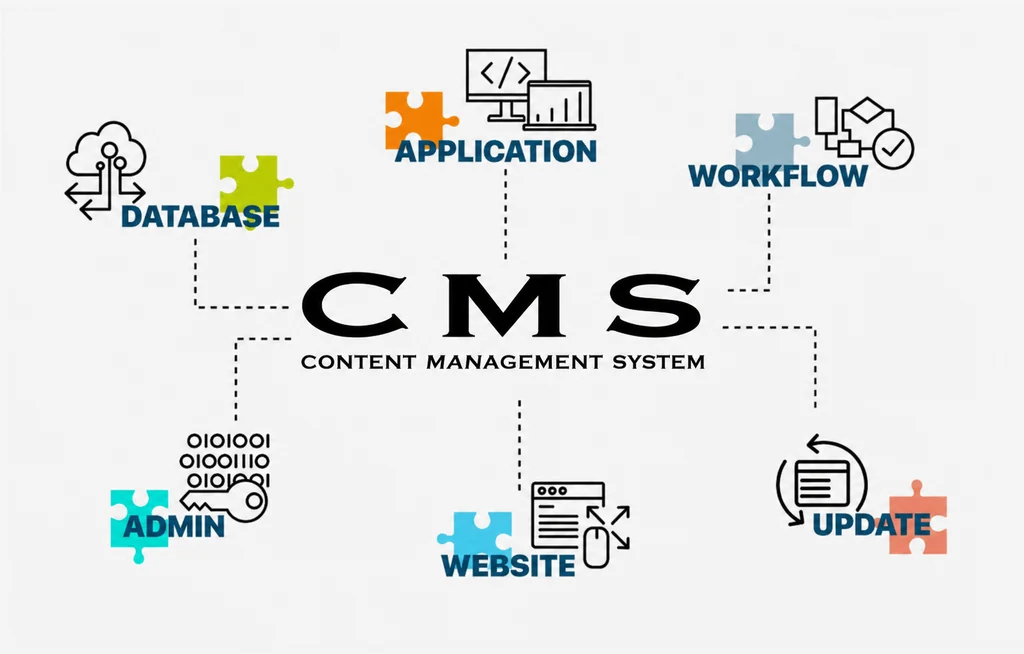
A content management system lets authorised contributors create, edit, organise and publish content. CMS content is often stored in a database and delivered through templates, although storage and delivery arrangements vary between systems.
Common features include:
- Content creation: tools for writing and formatting material.
- Storage: a consistent place to manage content.
- Workflows: permissions and approval steps for authors, editors and administrators.
- Publishing: controls for when and where content becomes available.
- Optimisation: features or integrations that help assess and improve the digital experience.
Benefits of a content management system
A CMS can support several editors, schedules and publishing responsibilities. A browser-based interface can let authorised people work from different locations, within the system's user and licensing limits.
It can also let people manage everyday content without writing code. Some platforms providedrag-and-dropediting for text and images, so routine updates do not require HTML or CSS knowledge.
When suitable editing fields are configured, the business is less dependent on developersfor routine page changes. Developers may still be needed for structure, integrations, security and features.
Some systems also distribute content to applications or other channels through integrations. This can reduce duplication, but the necessary connections and maintenance need planning.
How does a website differ from a CMS?
A website is the collection of pages and resources people visit. A CMS is software used to manage some or all of that content.
A general description from Wikipedia is that a website contains related pages and resources published under a common domain . That describes the destination, rather than the software used to manage it.
A CMS stores and organises content and supports publication. A website can also be built without one, using files and code such as HTML, CSS and JavaScript. For a team that edits frequently, a suitable CMS may make routine work easier.
Examples of content management systems
There are many platforms with different purposes and capabilities. Examples include:
- WordPress
- Drupal
- Optimizely CMS
- Contentful
- Squarespace
- Wix
Ecommerce platforms such as Shopify and Adobe Commerce also include content-management functions. The distinction depends on the product's main purpose and architecture, rather than whether it qualifies as a “real” CMS.
How should you choose a CMS?
Start with how the website and content will be used.
List the business objectives and practical requirements. Choose a system that supports those needs rather than selecting by popularity alone. Objectives might include more relevant visits, online sales or work to optimise content for search (SEO).
Systems vary in scope. Some suit publishing-led websites, while others combine catalogues, pricing and checkout. The appropriate choice depends on the business, resources and expected development.
Consider the following questions:
- What should the website achieve, and which CMS features support that?
- Do you need multilingual content or third-party integrations?
- What technical support is available for website maintenance and updates?
- What is the budget for setup and ongoing operation?
- Can the chosen frontend deliver a usable mobile experience, and can editors manage mobile-relevant content?
- Can the implementation control titles, descriptions, indexing and other necessary SEO elements?
- What growth is expected, and can the system accommodate it?
Which integrations are needed?
If the business already uses a CRM or website analytics platform, such as Google Analytics, assess how the proposed implementation will connect with it. A development team may also need a documented, suitable API.
Relevant integrations might include:
- Email marketing software, such as Mailchimp or Marketo, for newsletter signup and appropriate campaign processes.
- A CRM, such as Salesforce, for passing enquiries or supporting agreed audience-specific content.
- Website analytics, such as Google Analytics, for permitted measurement of website use.
- APIs for applications or existing software that need to use the content.
- Ecommerce functions for selling products or services.
Check data flows, access, maintenance and responsibilities for each integration. A listed plugin does not guarantee that the complete business process will work as required.
How easy is content editing?
Some CMS products provide adrag-and-dropvisual editor immediately, while others need configuration or a separate frontend. Test how your own content types and workflows will be handled, not just a simple demonstration page.
Useful editing features to assess include:
- A WYSIWYG editor, meaning“What You See Is What You Get”, which previews the content while it is edited. The accuracy of that preview depends on the system and frontend.
- Roles and permissions to control who can edit, approve and publish each content type.
- Updates: a hosted service may manage more infrastructure for you, while a self-hosted system leaves more responsibility with your team. Clarify which application, extension and security updates are covered.
- Digital asset management, or DAM, for organising images, videos and documents. Some systems include basic media management; a dedicated DAM may support more demanding requirements.