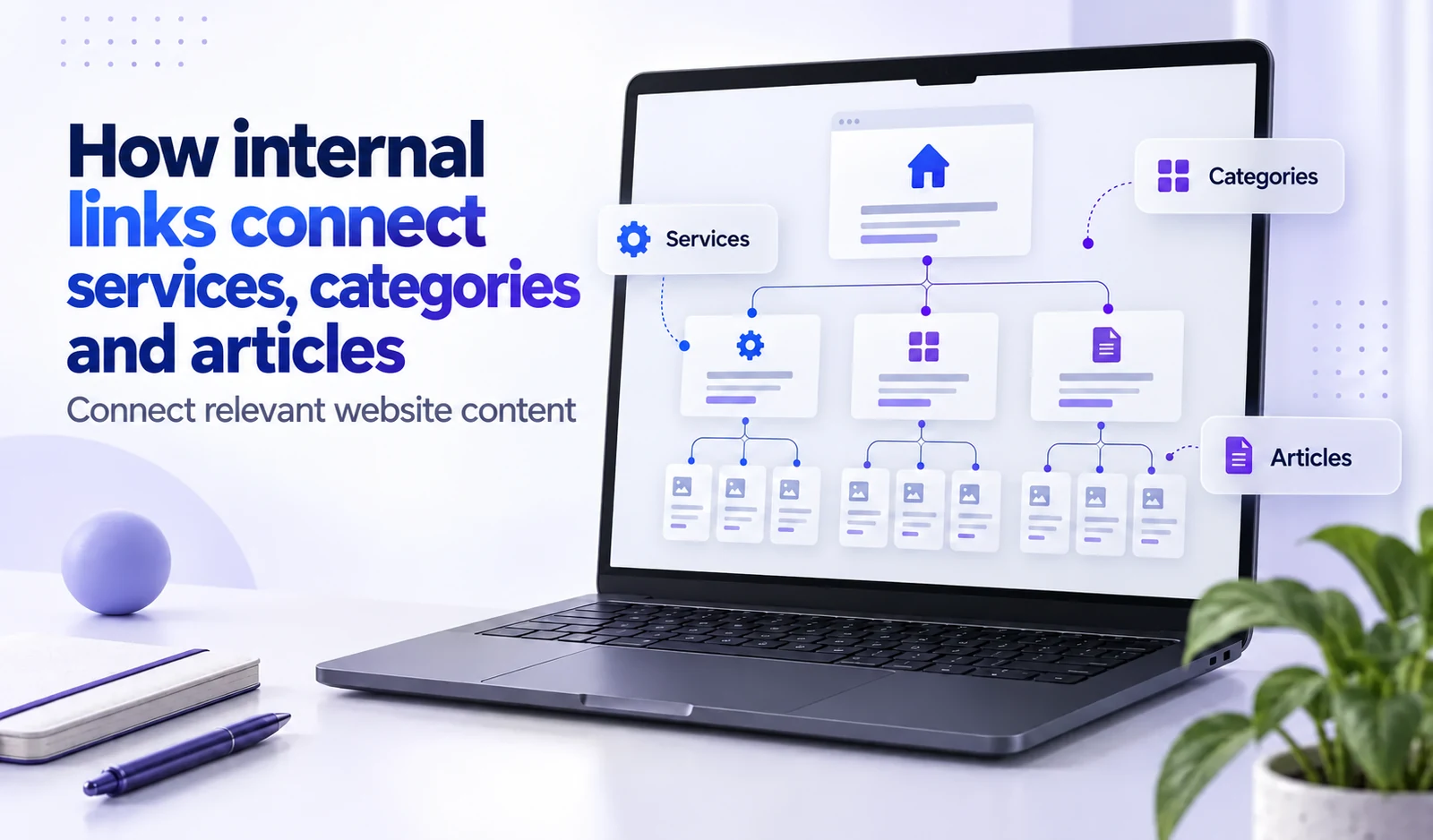
Internal linking connects pages on the same website. It helps visitors move from a general question to a specific explanation or service and gives search engines context about page relationships and importance.
Quality depends on a link's purpose rather than the number of links. Each page should have a clear role. If similar anchors repeatedly point to different URL, it can become less clear which destination is intended to answer a particular need.
Where to start an internal linking audit
Start by classifying indexable URLs by their role:
- Service pages explain the offer and whom it suits.
- Category or topic pages organise related articles.
- Informational articles answer a defined question in detail.
- Pricing pages explain costs and connect with the relevant service.
- Project pages demonstrate experience through actual work.
This helps identify a main destination for a particular need. An article may explain how on-page optimisation works, while the on-page SEO service page answers a commercial question: what the agency will do, whom the service suits and how to start.
Then check whether important pages receive internal links, whether those links reach the final URL directly and whether the wording describes the destination accurately.
What a topic hub does
A topic hub is more than a long category description. It is a useful central page from which a visitor can choose the next relevant step, with an explanation of the topic, subtopics, key articles and a related service where appropriate.
A simple arrangement might work as follows:
- The hub introduces the subject and its main parts.
- Each part leads to a relevant article or service.
- Articles link to the broader topic and a relevant commercial destination where useful.
- Related articles connect when the next link genuinely helps the reader continue the task.
This helps prevent orphan pages that cannot be reached through normal browsing. An XML sitemap can support discovery but does not replace navigation or contextual links.
An example page-role map
Begin with page roles rather than a link quota. An illustrative map for one subject might look like this:
| Page type | Main question | Useful destinations |
|---|---|---|
| Service | What will be done, and how can I enquire? | Contact, pricing or a relevant project |
| Guide | How does the process work? | The service and more detailed explanations |
| Pricing | What determines the cost? | The relevant service |
| Case study | Does the team have relevant experience? | The appropriate service |
| Topic hub | Which part of the subject do I need? | The important related pages |
Assign each URL a main purpose and check whether incoming anchors describe it consistently. If an informational article is always linked as “SEO services” while the service page receives only “read more”, the descriptions are unhelpful. The answer is not mass keyword replacement: each anchor should make sense in its sentence.
In SeoRocket audits, the map can also include final status, canonical, indexing information, incoming internal links and Search Console query-page data. This helps distinguish structural problems from technical issues or overlapping intent.
Anchor text should explain the destination
“Read more” supplies little context on its own. A descriptive anchor such as “the technical SEO audit process” helps explain the next page.
This does not mean every link needs the same exact keyword. Different natural phrases can describe the same destination. Avoid misleading wording and links to redirected, missing or irrelevant pages.
Google's link guidance says that important pages should have a link from another page on the site and that anchor text should help explain the destination. A standard crawlable HTML link uses an href attribute.
Where to place important links
Place a link where it answers the reader's next likely question. A solution link belongs in a relevant explanation, rather than only in an undifferentiated list after the conclusion.
For a focused article, a useful starting point might be:
- A link to the relevant main topic or service
- Links to closely related explanations where needed
- A source link for an external fact or official recommendation
A repeated navigation block can help people reach services, but does not explain a specific topical connection. A contextual link can make that relationship clearer. There is no universal required number of links per article.
Common mistakes
Links to old URLs. Update internal links that go through an unnecessary 301 so they reach the final destination directly.
Overlapping pages. More links alone will not resolve pages that answer the same need. Review whether their purposes differ or whether consolidation is appropriate.
Repeated exact anchors. Using the same phrase everywhere can sound artificial and may not explain the specific context.
No useful onward route. An article reached from a hub should offer a relevant path back to the broader subject or towards an appropriate service.
Links added only for SEO purposes. A link should be useful even if it provided no search ranking benefit.
A practical action plan
List the priority commercial pages and define their main query groups. Find articles that naturally explain related questions, connect the pages where useful and check the destinations. After changes, assess the relevant query-page pairs rather than total traffic alone.
When a website has substantial content, an SEO audit can help investigate orphan pages, redirected links, overlapping intent and page depth together. Internal linking then becomes part of a planned architecture rather than a collection of isolated edits.
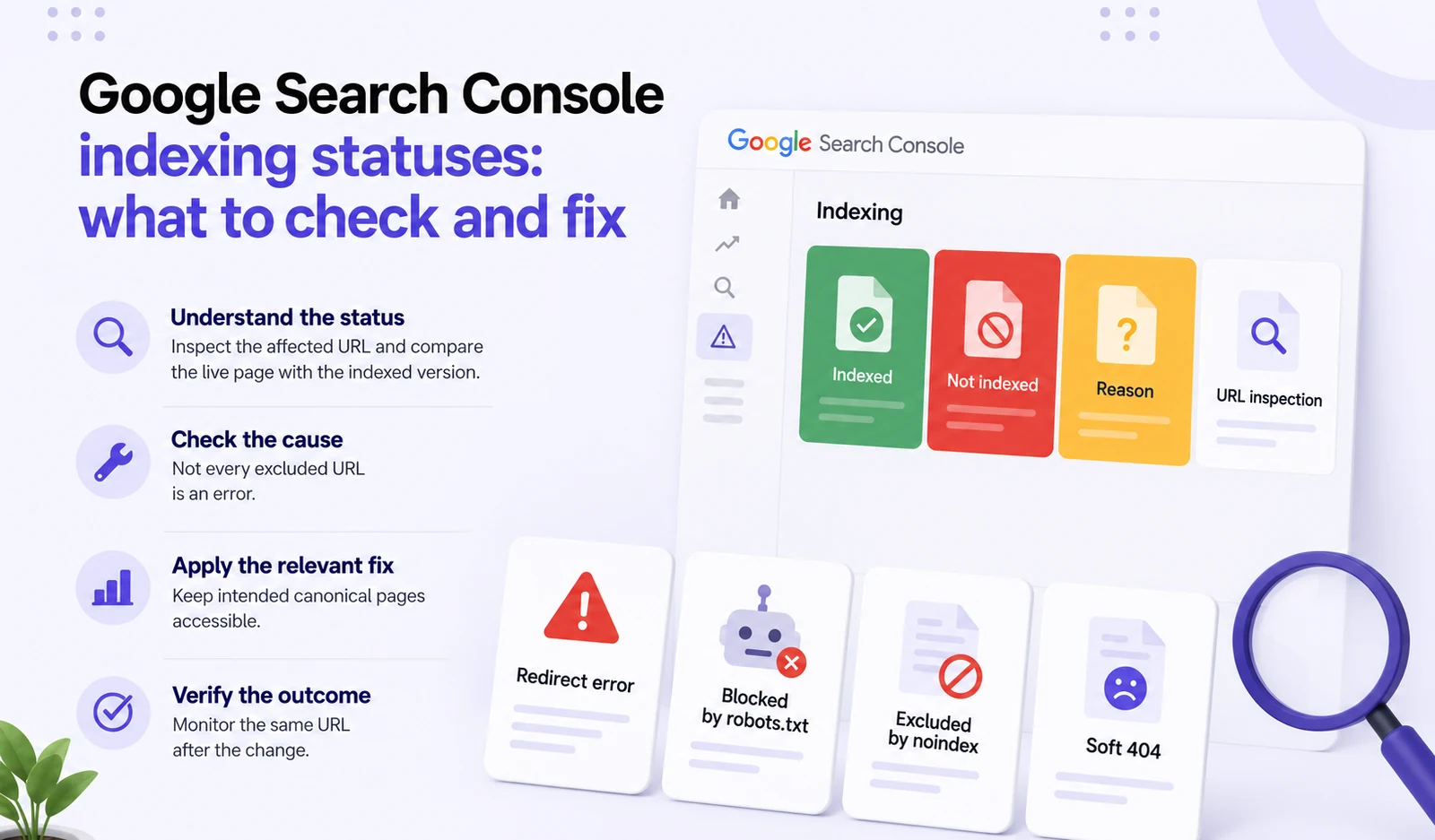
In Search Console, review query + page pairs after changes: which URL appears for a priority query, whether destinations alternate and how related pages perform. Recrawl the site to check unnecessary redirects and confirm that the hub is reachable through the main structure.
In brief
Effective internal linking starts with a clear page role. A hub organises a subject, an article answers a question and a service page explains the commercial offer. Direct, contextual links help people discover and understand these destinations without unnecessary steps.