WordPress maintenance involves more than clicking the plugin update button. A business website depends on its theme, plugins, server, forms, email, analytics and external integrations. A change in one area can affect another, so maintenance needs a plan, clear responsibility and checks after the work.
A useful plan answers four questions: what is checked, how often, who makes decisions and how the site will be restored if a change causes a problem.
A backup must be restorable, not merely created
Create a current backup of files and the database before updates. An automated notification is not enough: periodically check that the backup is accessible, intact and can be restored in a separate environment.
Backup frequency depends on how often data changes. A mostly static business site may need a different schedule from a shop receiving daily orders. Keep at least one appropriate backup separately from the production server.
Apply updates in a controlled way
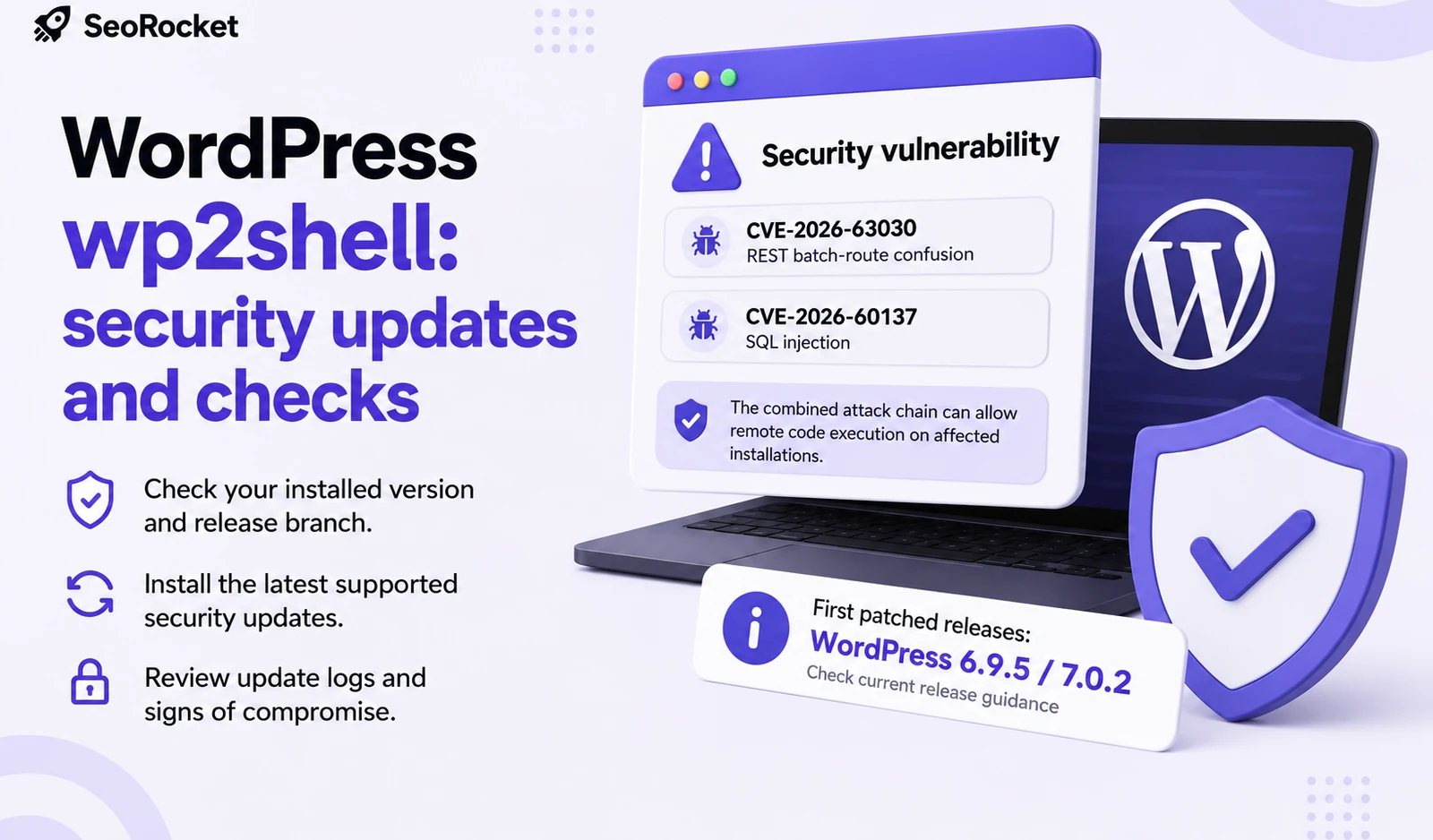
WordPress core, theme and plugin updates address security, compatibility and defects. Official WordPress documentation recommends maintaining current plugins and themes and ensuring recovery is possible before enabling automatic updates.
A practical sequence:
- Review release notes and known compatibility issues.
- Create a current backup.
- Test updates in staging first where the website's risk warrants it.
- Update components in manageable groups.
- Clear the appropriate caches.
- Test important visitor tasks.
- Record what changed and when.
Automatic updates require a risk assessment. Lower-risk components may suit automation, while payment, form, multilingual or custom functionality needs appropriate testing and recovery arrangements.
Test real functions after an update
A website can load without an obvious error while an important function is broken. After maintenance, check:
- The homepage and priority landing pages
- Contact and enquiry forms
- Email delivery and sender details
- Login and user roles
- Search, filters and the catalogue
- The purchase or booking journey
- Cookie choices and analytics tags
- Mobile and desktop presentation
Keep a short test procedure for each custom integration. Verification should not depend on one administrator remembering every project detail.
Security maintenance is ongoing
A security plugin is not a complete security programme. Review access, passwords, administrator accounts, server versions, backups and unexpected activity.
Regularly check:
- Whether unused administrator accounts remain
- Whether users have only the permissions they need
- Whether unused plugins and themes have been removed
- Whether PHP and database versions remain supported
- Whether unexpected file changes have occurred
- Whether forms have suitable automated spam protection
- or SSL certificate validity
No provider can promise a site is impossible to compromise. What matters is a clear response: who is notified, how the issue is contained, which clean backup can be used and how the cause is investigated.
Monitor more than availability
An availability check shows whether the server responds, but not every functional problem. A page can return HTTP 200 while its form is broken, loading is slow or content is missing.
A useful monitoring set can cover:
- Availability and server errors
- TLS certificate validity
- Priority page performance
- Form submission checks
- Unexpected increases in 404 or 5xx responses
- Unplanned indexing changes
- Interruptions in analytics collection
Assess performance through real-user data where available and tests of important templates, rather than one isolated score. After a new plugin or design change, compare loading and visual stability for signs of regression.
A responsibility matrix
A maintenance agreement should identify who acts and who approves. An illustrative matrix:
| Situation | Maintenance provider | Website owner | Confirmation |
|---|---|---|---|
| Critical security update | Assesses risk, backs up, deploys and tests | Is informed | Under the agreed procedure |
| New functionality | Assesses scope and proposes a plan | Approves the need and budget | Before development |
| Content change | Can implement the technical part | Provides and approves the content | Before publication |
| Incident | Diagnoses, contains, restores and documents | Nominates a contact person | According to incident severity |
| User access | Creates an account with minimum necessary permissions | Approves the person and role | Before access is granted |
The matrix helps avoid risky changes without approval and unnecessary delay when an urgent incident must be contained.
Incident priorities and response
One response target is unlikely to suit every task. An illustrative classification is:
- P1: critical The site is unavailable, payments fail or a data-security incident is suspected.
- P2: high A main form, login or important integration fails while the site remains accessible.
- P3: medium An issue affects some pages or has a temporary workaround.
- P4: planned A cosmetic issue, content edit or new request.
Agree response time, communication and the resolution objective for each level. Response time means when investigation begins, not a promise that every problem will be completely fixed within the same period.
Acceptance criteria for a recovery test
A recovery test is complete only when selected pages open in the test environment, login works, critical tasks can be completed and the restored database matches the backup's point in time. Record the backup date, recovery duration, missing data and test outcome.
Two important objectives are how much data loss is acceptable between backups and how quickly service needs to be restored. Losing an hour of orders may be serious for a shop but less significant for a rarely updated information site. Agree targets around actual business impact rather than one package for every website.
Daily, weekly and monthly work
Daily or automatically: Availability monitoring, security alerts and checks on critical forms and backup status.
Weekly: Update review, controlled deployment, functional checks and review of spam or error logs.
Monthly: User access, performance trends, 404 responses, disk capacity, licences, analytics and SEO status.
Quarterly: A recovery test, review of unused components, PHP and server condition, and priority user journeys.
The exact schedule depends on the website's importance, activity and rate of change. Shops and lead-generation websites may need faster response arrangements than a rarely changed information site.
Distinguish maintenance from development
Maintenance supports the existing solution through updates, monitoring, backups and appropriate fixes. Development changes functionality, design or integrations. The two can run together, but their scope and planning differ.
The agreement should clarify:
- What the monthly scope includes
- Which tasks are charged separately
- Response targets by incident severity
- Who approves higher-risk changes
- How access and documentation are managed
- How completed work and findings are reported
SeoRocket WordPress administration and technical maintenance is intended for sites needing ongoing technical responsibility rather than occasional updates. New modules or integrations should be planned separately as development work .
What a monthly maintenance report should show
A concise report should explain what changed, what was tested, which incidents occurred, what risk remains and what decision the client needs to make. Copying tool alerts is not enough. If an update was deferred, record the reason and next review date.
Signs of reliable maintenance
Reliable WordPress maintenance is a recurring process: prepare recovery, make controlled changes, test real functions and monitor the result. Agreeing responsibility and response arrangements in advance reduces uncertainty when a problem occurs.