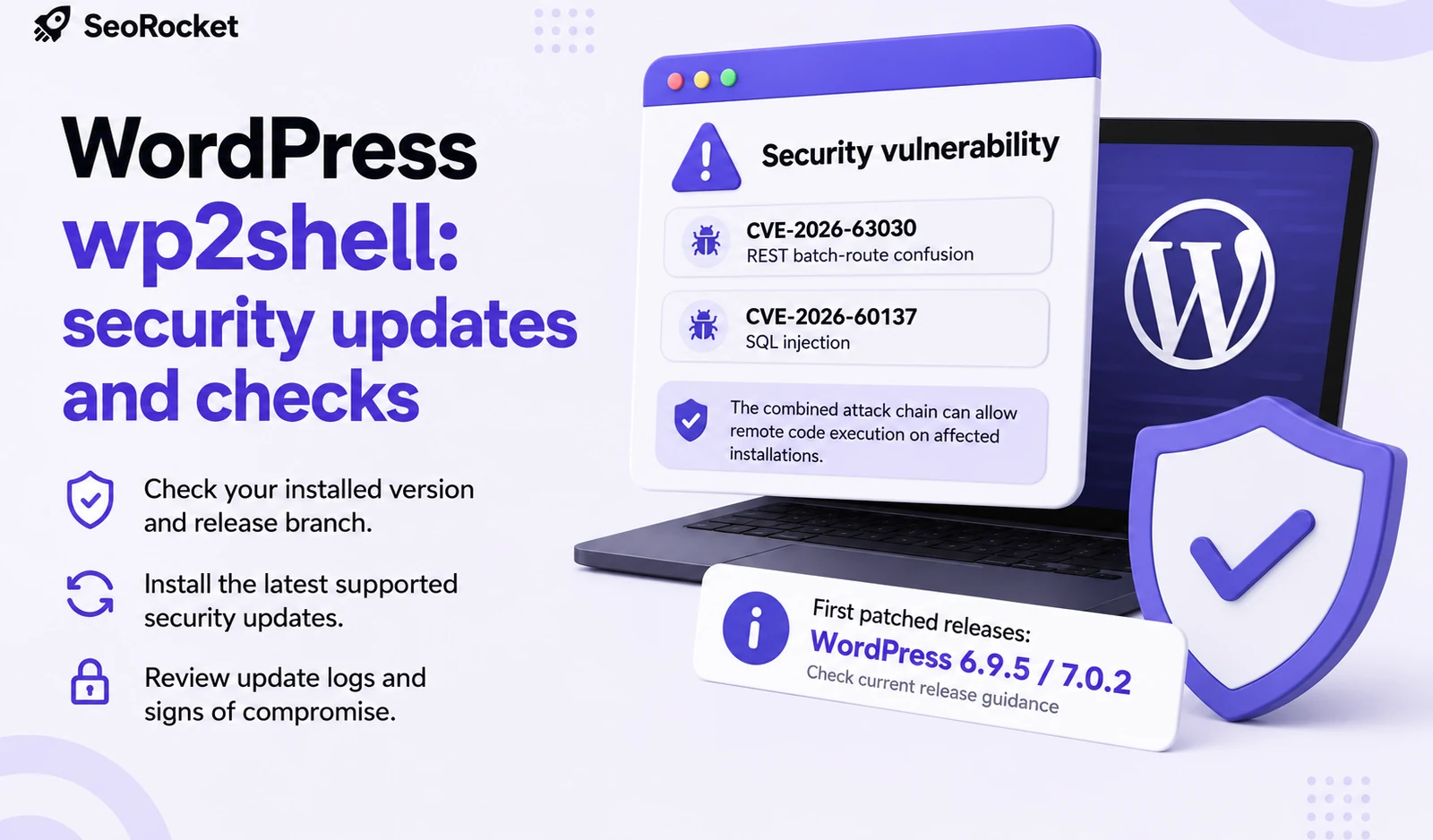
On 21 October 2026, the PHP project released security updates fixing two critical vulnerabilities, CVE-2026-109618 and CVE-2026-109619. They can allow unauthenticated remote code execution. Website owners should establish whether their servers use PHP and arrange the update with their administrator or hosting provider.
BBC coverage brought attention to the issue, while CERT-EU published recommendations for organisations. Early reports still referred to a scheduled release. This article uses the PHP project's subsequent announcement confirming that fixes have been released.
Which PHP releases contain the fixes?
The official PHP security announcement lists the following fixed releases:
| PHP branch | Security release |
|---|---|
| PHP 8.2 | 8.2.35 |
| PHP 8.3 | 8.3.36 |
| PHP 8.4 | 8.4.27 |
| PHP 8.5 | 8.5.12 |
The PHP team warns that PHP installations serving web requests are at risk. These include PHP-FPM, Apache with mod_php and other PHP environments. Installing a security plugin or updating a content management system does not replace the PHP package running on the server.
What does this mean for WordPress and other websites?
PHP runs on the server, so visitors generally cannot see its version. Business owners should contact whoever maintains their hosting environment. The website developer, plugin maintenance provider and server administrator may be different organisations.
The Drupal security team has also issued a notice urging website owners to update PHP, reminding them of their responsibility for hosting platform components. The issue is not confined to one content management system. The full environment needs to be assessed.
If an external partner manages the service, ask for specific confirmation of the PHP version serving your website, whether both vulnerabilities have been patched, and whether essential features were tested afterwards. This work should be included in the agreed website maintenance scope.
What to do now
- Identify systems using PHP. Include websites, online shops, administration tools and separate integrations. The technology behind the main page does not necessarily describe every server component.
- Obtain confirmation of the update. Hosting providers and operating system vendors may supply their own packages. Ask for a vendor security advisory or other confirmation that these specific vulnerabilities have been fixed.
- Test the website afterwards. Check login, contact forms, uploads, checkout and other features that matter to your business. The administrator should verify that the update applies to the environment actually serving the website.
If an immediate update is not possible, CERT-EU recommends considering isolation of internet-facing applications until a fix can be applied. Discuss temporary access restrictions with the administrator, taking account of the affected systems and their purpose.
What if you use an older PHP version?
PHP 8.1 and older branches no longer receive regular security updates from the PHP project. Some operating system and long-term support vendors backport fixes, so the version number alone does not establish whether a particular vendor package is patched. Its supplier needs to confirm this.
If that support is unavailable, plan a move to a supported PHP branch with your administrator. The PHP team stresses that temporary mitigations do not replace an update or make a vulnerable installation safe. Address an outdated environment as a separate server administration task, rather than postponing it until the next website redesign.