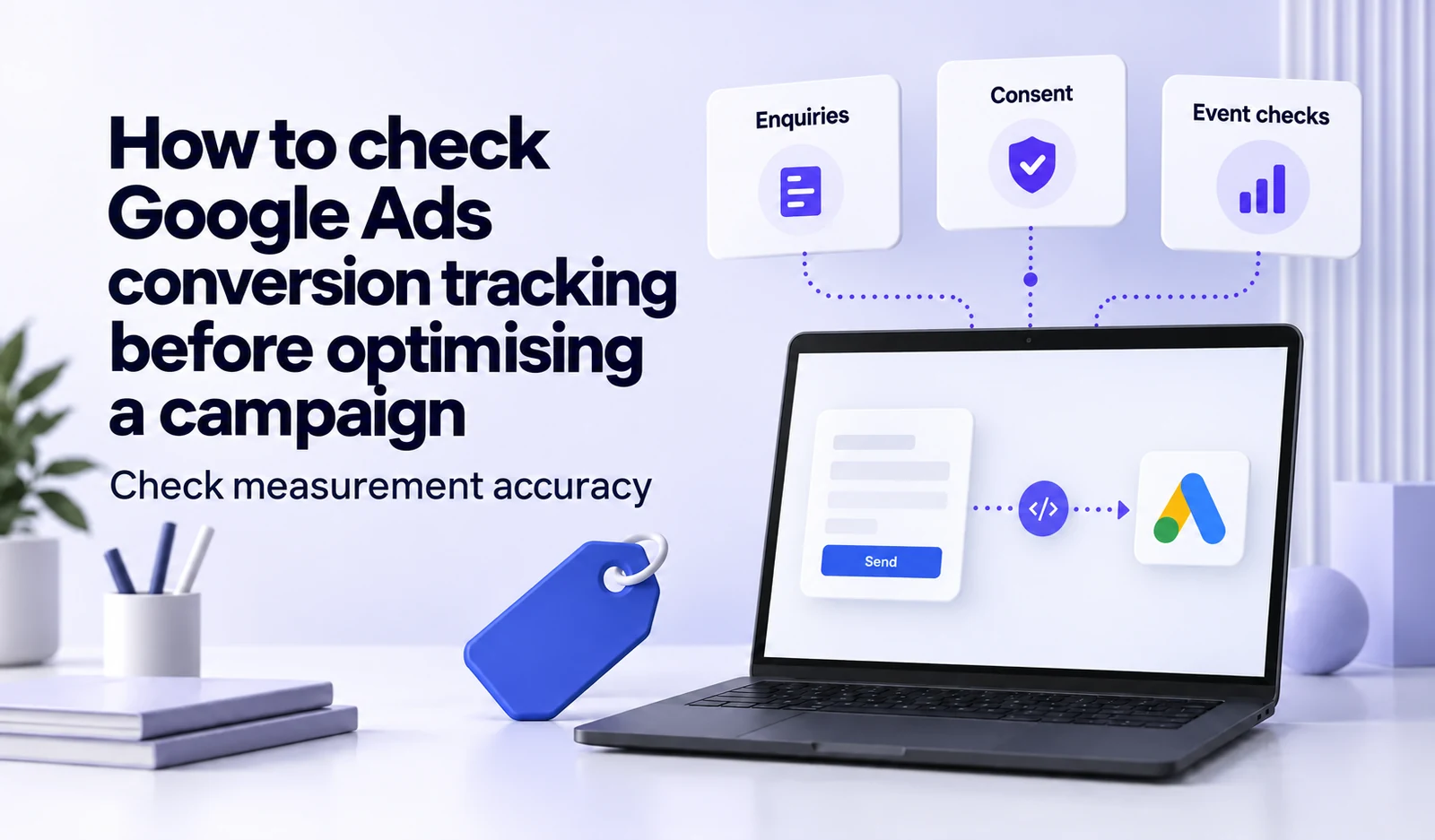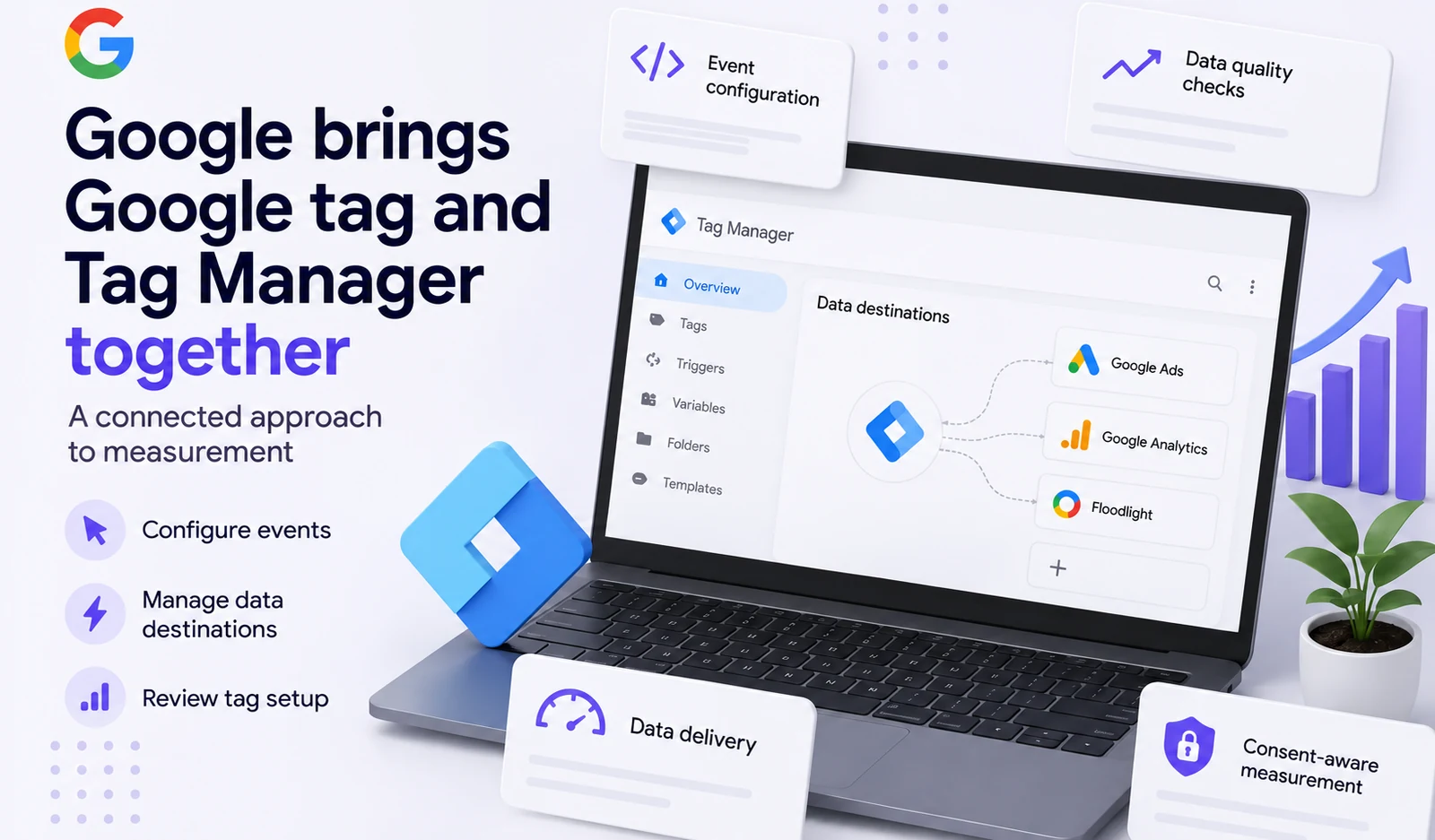
Google announced closer integration between the Google tag and Google Tag Manager in August 2026. The changes cover interface organisation, destination tags and visual setup. They do not remove the need to define and test meaningful conversions.
The 20 August announcement outlined a more unified workflow. Subsequent October release notes describe container optimisation and changes to initialisation behaviour. Check the current documentation before altering an existing installation.
Google tags gain Tag Manager capabilities
Google tags gain access to Tag Manager's management capabilities, including:
- interface-based tag configuration;
- debugging;
- version control.
The announced upgrade is intended to preserve existing in-page behaviour. Nevertheless, verify the actual account and implementation rather than assuming that every configuration is unaffected by every later release.
Why advertisers should review the change
Conversion tracking needs more than a tag firing. This is especially important where a business has limited analytics or development resources.
Visual setup can reduce some manual configuration, but a selected element still needs to correspond to the right business action.
For a complex container, export a backup and inspect proposed changes before publication. Test consent, event timing and duplicates against the existing implementation.
A simpler Tag Manager interface
The interface changes reorganise settings and advanced functions.
Container-wide options are brought into Settings, while Advanced groups features such as:
- triggers;
- variables;
- templates;
- folders.
Reorganisation does not mean those functions have been removed. Check their current location and your permissions.
Visual event setup without manual coding
Visual tagging allows supported event and conversions setup through the interface.
The advertiser selects relevant website elements while the system assists with selectors and triggers. The announced beta initially covered purchase conversions in Google Ads, not every possible tracking scenario.
Test the journey as a customer would, including successful completion and failure states. Selecting a purchase button alone does not prove that a payment succeeded or that the value is correct.
Changes to data transmission
Optimised containers also change how measurement data reaches Google destinations.
The previous arrangement could load additional gtag.js JavaScript for a Google destination.
Direct destination delivery is intended to reduce that extra step. Measure the real effect on your pages; do not promise a fixed speed improvement or recovery of every missing event.
A clearer view of destinations
A data-flow map helps show the destinations associated with the configuration.
These can include:
- Google Ads;
- Google Analytics;
- other supported Google destinations.
Use the map as a configuration check, then confirm that each destination receives the intended data. A visible connection does not establish data accuracy.
Optional container optimisation
The documented container optimisation flow is optional. Review it rather than assuming every existing container has already been changed.
Eligible container permissions include:
- Edit;
- Approve;
- Publish.
Inspect proposed changes before publishing them. Follow the team's normal review and rollback process.
Check the new settings alongside existing event tags. Compare the resulting requests and parameters with a recorded baseline.
Deployment and initialisation
The August guidance described a common direction for new snippets without the gtag config.
command. It recommended configuration through the gtm init.
trigger, including an option for legacy behaviour involving a config.
Linking Google accounts
Container optimisation can link supported destination accounts so the container is accessible from other product interfaces. Review which accounts and users are involved.
Read access is the documented default for those links. Check and manage the actual permissions after optimisation rather than assuming every user has the appropriate role.
Partner integrations
Google has also announced integrations with platforms including:
- Akamai;
- Cloudflare;
- Duda;
- Fastly;
- Webflow.
An integration can simplify setup, but does not itself establish compliance, complete tracking or better campaign performance.
A more connected tagging workflow
Google's tagging products are becoming more connected.
Keep the implementation review practical: inventory the tags, back up the container, test changes and verify the destination data. October 2026 release notes also warn that visible gtag.config events can affect wildcard custom-event triggers, so those configurations need particular attention.
Further information
Google tag and Tag Manager update announcement.