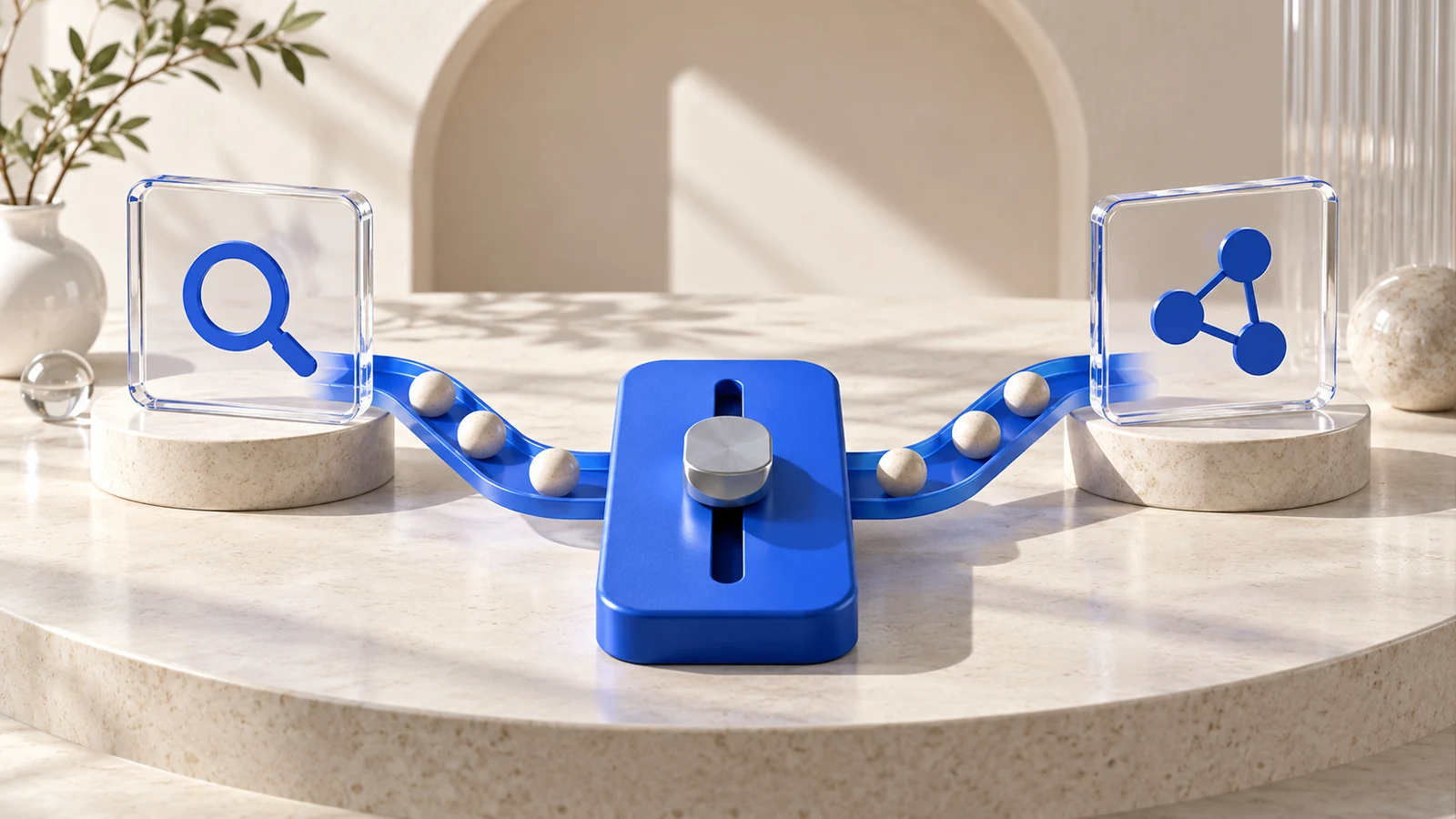
Google Ads channel priorities let you indicate which advertising networks should receive a campaign's budget first. They can help when testing an additional network or reducing its share of spend. A useful decision starts with two figures: what the network spends and what it costs to acquire a qualified enquiry or sale.
Google announced the new controls on 14 October 2026. Availability is being rolled out gradually. Here is how to prepare for them and decide what to measure before increasing your overall advertising budget.
Separate campaign budgets from network allocation
Allocating money between campaigns determines how much you spend on different services, product groups or markets. Channel priorities address how eligible channels are funded within a campaign or shared budget. Moving money from one service campaign to another and changing the priority of search partners are separate decisions.
Write down the problem before changing a setting. “We want to reduce the cost per qualified enquiry from search partners” is a testable objective. “We want more control” does not define success. If an agency handles your Google Ads management, ask how the proposed setting relates to your business objective.
What the new channel settings allow
According to Google's announcement, channels can be assigned High or Low priority. High-priority channels receive funding first, subject to the target when using Target CPA (cost per action) or Target ROAS (return on ad spend). This does not promise a specific amount of money to a high-priority channel.
For low-priority channels in supported campaigns, you can specify a desired maximum percentage of the average daily budget. Google aims to respect it on a best-effort basis, so it is not a guaranteed daily spending cap. The percentage uses the configured budget rather than the campaign's actual spend that day.
The Google Ads Help documentation explains important exceptions. Demand Gen supports channel priorities but not percentage budget allocation. Within Performance Max, Google surfaces such as Search and YouTube are grouped as “Google channels” for this control. It does not provide a separate YouTube percentage. Shared budgets are treated as one pool; the campaigns using them must be of the same type.
When a Target CPA or Target ROAS campaign is not limited by budget, changing its priority alone will generally not change the distribution of spend. Allocations on low-priority channels still apply. Check availability in your account, as access is being introduced in stages.
Translate a percentage into a spending amount
Suppose a campaign has a €40 average daily budget and you choose a 15% allocation for low-priority search partners. The illustrative calculation is:
€40 × 0.15 = €6 per day.
This is the selected spending allocation for that network, subject to the control's best-effort behaviour. It does not establish that the network will spend €6 or that the remaining €34 will necessarily be spent elsewhere. Do not treat the figure as a contractual guarantee or a forecast of enquiries. The 15% is used only to explain the calculation, not as a universal recommendation.
Plan the campaign's overall spend separately. Google's budget overview explains that the daily charging limit for most campaigns is twice the average daily budget, while the usual monthly limit is calculated using a multiplier of 30.4. With an unchanged €40 budget throughout a full month, that monthly limit would be €1,216. Budget changes and other budget types require their corresponding rules.
Compare form costs with qualified enquiry costs
To compare networks, connect advertising costs with contacts assessed by your sales team. The following hypothetical example uses the same reporting period for both networks. These are not client figures or market benchmarks.
| Network | Spend | Forms received | Qualified enquiries | Cost per qualified enquiry |
|---|---|---|---|---|
| Google Search | €600 | 30 | 15 | €40 |
| Search partners | €200 | 20 | 4 | €50 |
A form costs €10 on search partners and €20 on Search. Counting only qualified contacts reverses the comparison: 200 / 4 = €50, while 600 / 15 = €40. Looking only at form costs could direct more money towards the network where a suitable prospect costs more.
Apply the same qualification criteria to both groups. For example, the person needs a service you provide, is within your service area and has supplied genuine contact details. Remove duplicates, allow for your usual sales cycle and avoid allocating your entire budget based on four contacts. If enquiry values differ, also compare completed sales and their margins.
Reports without this connection can describe recorded forms, but lack the information needed to assess contact quality. Include that gap in your work plan first. Our conversion tracking checklist explains the distinction between accepting a form, recording an event and delivering the enquiry to sales.
Choose one testable change for each trial
Before a trial, save the campaign budget, bid strategy, conversion definitions and spending by network. Record a hypothesis, such as reducing the share spent on search partners while maintaining qualified enquiry volume at a lower overall cost per qualified enquiry.
- Select one campaign. Avoid changing the entire account if your initial question concerns the effect on one service.
- Set an affordable trial spend. Base it on your financial capacity and historical enquiry costs. Without those figures, the percentage will be an initial assumption.
- Record the date of the change. Avoid unnecessary changes to the offer, landing page and conversion tracking at the same time. Multiple changes make interpretation harder.
- Agree when to evaluate. Allow for enquiries to progress through the normal sales cycle. If that takes two weeks, tomorrow's report will not show the final sales outcome.
- Define the decision criteria. Consider total spend, qualified contact volume and cost per qualified contact. Agree in advance when to continue, stop or restore the previous settings.
If spending on search partners falls but qualified enquiry volume also declines, the change has not yet achieved the full hypothesis. The next decision depends on whether the saving and lower volume are acceptable to the business. A simple before-and-after comparison also cannot isolate seasonality, competitor activity or changes in demand.
What to ask your campaign specialist for
Request a specific proposal identifying the network whose priority should change, the evidence from your account, the financial boundary and the date of the next assessment. Attach a copy of the current settings and the trial hypothesis.
Our Google Ads pricing guide covers planning the wider investment. The new controls help implement a chosen plan. Your enquiry and sales data should determine which networks deserve funding.