Google Ads optimisation starts with reliable measurement. If enquiries are counted twice, a button click is treated as a sale or some forms go unrecorded, decisions about keywords and bids rest on misleading data.
A conversion should represent an action with a defined business value: a submitted enquiry, qualified call, purchase or booking. Page views and button clicks can support diagnosis, but they are usually unsuitable as the main goal for acquiring customers.
Agree on the primary conversion
Before adding tags, list the actions and assign a role to each:
- primary conversion — an actual enquiry, sale or qualified call;
- secondary conversion — a useful intermediate action, such as downloading a price list;
- diagnostic event — starting a form, clicking a phone link or reaching a page-depth threshold.
If every action feeds bidding, the system may favour an easily completed action with little business value. Conversion totals can then rise without an increase in customers. Review the campaign's actual goal configuration as well as each action's primary or secondary setting.
Google Ads defines a conversion as an action valuable to the business. Keep that principle central when deciding which goals guide optimisation.
Choose a reliable recording method
The same form can be measured with a direct Google Ads tag and imported from GA4. Treating both as primary actions can count one enquiry twice.
Both sources can be useful for comparison. Document which action guides bidding and why, and keep the comparison action out of that goal where appropriate. Check custom-goal behaviour separately.
For a conversion created from GA4, check:
- the correct Google Ads and GA4 accounts are linked;
- auto-tagging is enabled;
- the intended GA4 event or key event is used;
- the imported action represents a successful enquiry rather than a generic form click;
- consent settings handle the required signals correctly.
Record forms after successful submission
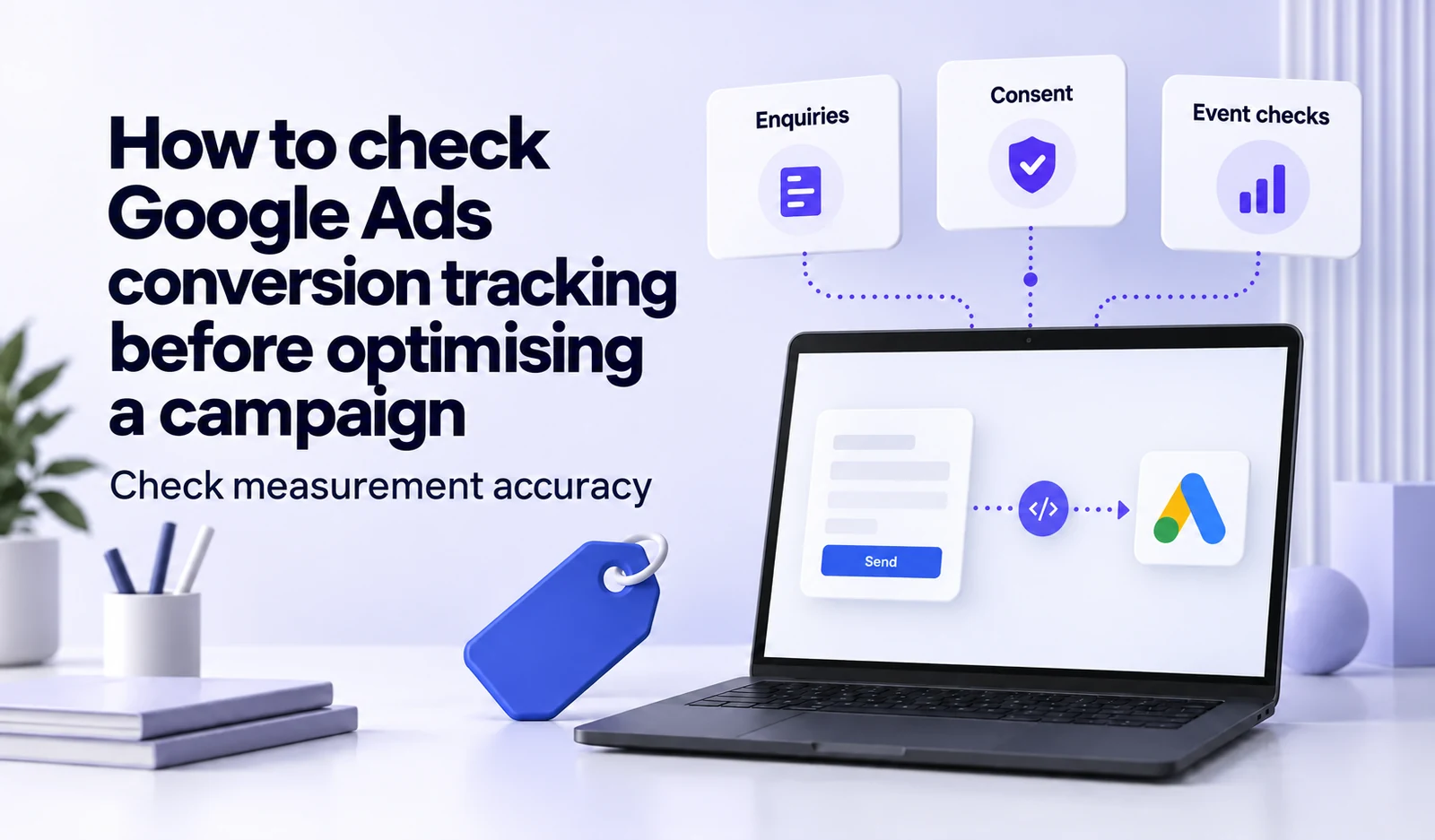
Record a form enquiry when the application confirms that it has accepted the submission. Clicking “Send” is insufficient: a required field may be missing, the server may return an error or CAPTCHA validation may fail.
Two common methods are:
- Open a dedicated thank-you page after successful submission and record the conversion using its URL.
- Push a distinct success event to the data layer for Google Tag Manager to use.
A URL-based method is simple, but direct visits and page refreshes must not create false enquiries. An event-based method can be more flexible, but needs testing across success, validation failure and server-error states.
Distinguish between different call signals
A click on a mobile phone link indicates intent to call, not proof that a conversation happened. Distinguish between:
- a website phone-link click;
- a call from an ad or call asset;
- a connected call meeting the chosen duration criterion;
- an enquiry qualified in the CRM.
A phone click can remain a secondary signal while connected or qualified calls serve as the main goal. Use tracking options that are actually available for the account and market.
Check for duplicate conversions
Follow a controlled test from the advertising visit to the thank-you state. Use browser diagnostics or Tag Assistant to check how often the tag fires, then compare timestamps and records across Google Ads, GA4, the form system and CRM.
Common duplication causes include:
- the same tag installed directly and through GTM;
- a form-success event firing several times;
- a GA4 import and direct tag both guiding the same goal;
- a thank-you page counting again on refresh;
- several events representing the same enquiry.
For purchases, use a unique transaction ID to help prevent the same order from being counted repeatedly. Check that the ID is stable for one order and different for separate orders.
Review consent and data quality
For EU visitors, measurement must be coordinated with consent management and the applicable legal basis. Consent Mode does not itself establish that basis or replace a suitable privacy implementation.
Distinguish between the two implementation approaches. In basic Consent Mode, Google measurement tags are blocked until the appropriate consent is given. In advanced Consent Mode, tags load with default denied states and can send cookieless signals before consent is granted. States update after the visitor's choice. Diagnosis therefore needs to check the intended mode, the timing of defaults and subsequent updates, rather than simply whether a tag loaded before a choice. Google's Consent Mode documentation explains these approaches separately.
Also check that advertising click identifiers survive redirects and cross-domain journeys where appropriate for the implementation and consent state. Google's website conversion tracking guidance covers sitewide tagging, auto-tagging and preserving click identifiers through redirects. Verify the actual visitor journey rather than assuming the settings are enough.
Diagnosing one enquiry from start to finish
Trace one test enquiry through the whole chain and record the time:
| Check point | What to inspect |
|---|---|
| Browser and GTM Preview | The success event fires once |
| GA4 DebugView | The event name and parameters are correct |
| Google Ads diagnostics | The action receives data and its status is appropriate |
| Form system | The actual enquiry was saved or sent |
| CRM or inbox | The enquiry reached the responsible person |
A successfully accepted form and a firing tag confirm different parts of the chain. They do not by themselves prove that Google Ads has attributed the conversion. If the enquiry fails to reach the inbox or CRM, investigate delivery separately from measurement. If the form arrives but is missing from advertising reports, check tracking, attribution and processing delays. Keeping these stages separate helps assign the problem to the right specialist.
After implementation, compare more than the total conversion count. Look at actual enquiries, repeated timestamps, device patterns and sudden changes after GTM publication. Qualified CRM outcomes can support optimisation when identifiers and consent are handled reliably. An isolated test is useful, but ongoing reconciliation is still needed.
A diagnostic checklist
Before changing the budget or bidding strategy, check:
- the primary conversion represent real business outcomes;
- each enquiry is counted once;
- a form error does not trigger a conversion;
- phone clicks are distinguished from connected calls;
- values and currency are correct;
- auto-tagging works as intended;
- Consent Mode is configured correctly;
- there is no unexplained data loss after website or GTM changes.
If the data is questionable, a A Google Ads audit should cover the entire conversion journey as well as campaign settings. Then assess search terms, ads, the offer and bidding. Ongoing Google Ads management depends on optimising against reliable signals.
When to start campaign optimisation
Conversion tracking combines a clear definition of value, dependable recording and continued data checks. Separating primary outcomes from intermediate signals helps campaign decisions reflect real enquiries rather than an impressive but misleading total.