A URL, or Uniform Resource Locator, is an address used to locate a resource, such as a web page, image, video or PDF.
It is the address you can enter in a browser to request that resource.
How does a URL work?
Entering a URL tells the browser which resource to request and how to access it.
For a typical web address, the browser resolves the hostname and connects to the appropriate service. That may be an origin server, a proxy or a content delivery network.
The service handles the request and returns a response, which may include the page or file, a redirect or an error.
The browser then processes the response. A page may make further requests for images, styles and scripts before displaying the complete experience.
Why are URLs useful?
URLs let people and applications refer to specific resources without describing the steps needed to find them.
They provide a way to navigate to pages and files, though a URL may move, stop working or return different content over time.
Developers also use URLs when writing HTML.
An anchor element, written as an <a> tag, can link one page to another so visitors can navigate between them.
URLs also connect a document with separate resources, such as style sheets, scripts and images.
How is a URL structured?
A web URL commonly includes a scheme and a host, which may be an IP address or domain name, including any subdomain. It may also contain a path, query and fragment.
URL schemes
HTTP and HTTPS identify web access. Other schemes include mailto for opening an email action and tel for telephone links. FTP and telnet are older examples with limited or no support in modern browsers. Not every scheme uses two slashes after its colon.
Optional URL components
Depending on the address, additional parts may include:
- A path identifying a resource.
- A port number identifying the connection endpoint.
- A fragment pointing to a section within a resource.
- Query parameters passed to the service.
Why clear URLs matter
Browsers may display international characters in addresses, while the underlying URL representation uses appropriate encoding. Percent-encoding represents bytes with a percent sign followed by two hexadecimal digits. A literal space must be encoded rather than left as an ordinary space in the URL.
Parts of a URL
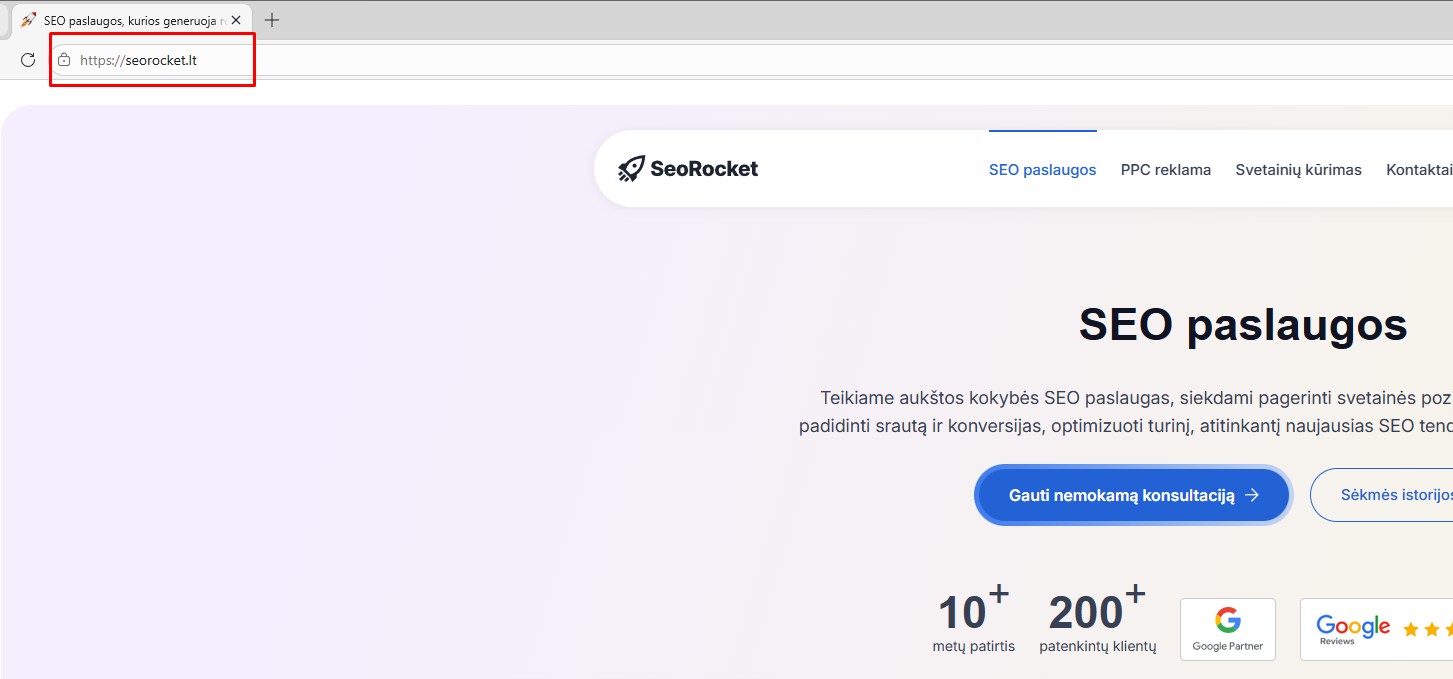
Using the URL https://seorocket.lt/kasyra/paieška/užklausa?q=URL as an example, the parts can include:
- Scheme: how the resource is accessed. In this example it is https.
- Host: the first example uses seorocket.lt as its domain.
- Subdomain: the first example has no www label. A different address could use one, such as www.example.com.
- Port: commonly omitted when the scheme's default applies. The example uses https://seorocket.lt:443.
- Path: the part after the host that identifies the requested resource.
- Query: begins with a question mark and contains the query string.
- Parameter: a name and value within the query, such as q=URL.
- Fragment: begins with # and can identify a section, such as #history in the URL https://en.wikipedia.org/wiki/Internet#History. Other
HTTP and HTTPS
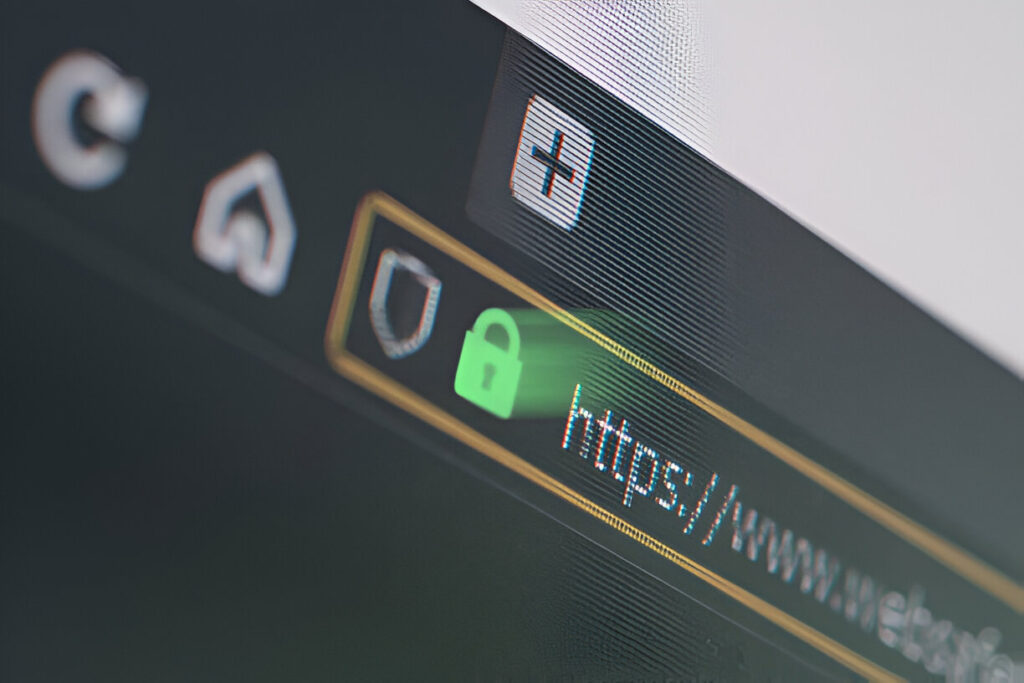
HTTP and HTTPS both support web requests. HTTPS protects the connection using TLS, the successor to the older SSL protocols. HTTPS commonly uses port 443, while HTTP commonly uses port 80.
HTTPS helps protect information in transit, including passwords and payment details. It does not, by itself, prove that a website or its content is trustworthy.
URL and URI
URI means Uniform Resource Identifier, a broader term for identifying resources. URL is commonly used for an identifier that also describes how or where a resource can be accessed.
URL shorteners
A shortening service gives a longer destination a shorter address that redirects to it.
Many services offer a basic free option, while additional features, including analytics, may be paid. Examples include Rebrandly, Bitly, Short.io, TinyURL and BL.INK; check current features and terms before choosing.
Availability varies between providers, including website hosts and search engines. A shortened address can conceal the destination, so check unfamiliar links rather than assuming that a familiar-looking short domain makes them safe.
URLs and browsing history
Visited addresses can reveal sensitive interests or activity. Distinguish information stored by the browser on the device from data sent to a website or account service.
Browsers may keep visited URLs, cached resources and other local records according to their settings and mode. The browser is not itself a search engine, and local history should not be confused with a provider's server-side records.
Account settings, synchronisation and service policies determine what additional information is retained. Check the relevant provider's current controls and retention policy rather than assuming that clearing local history removes every copy.