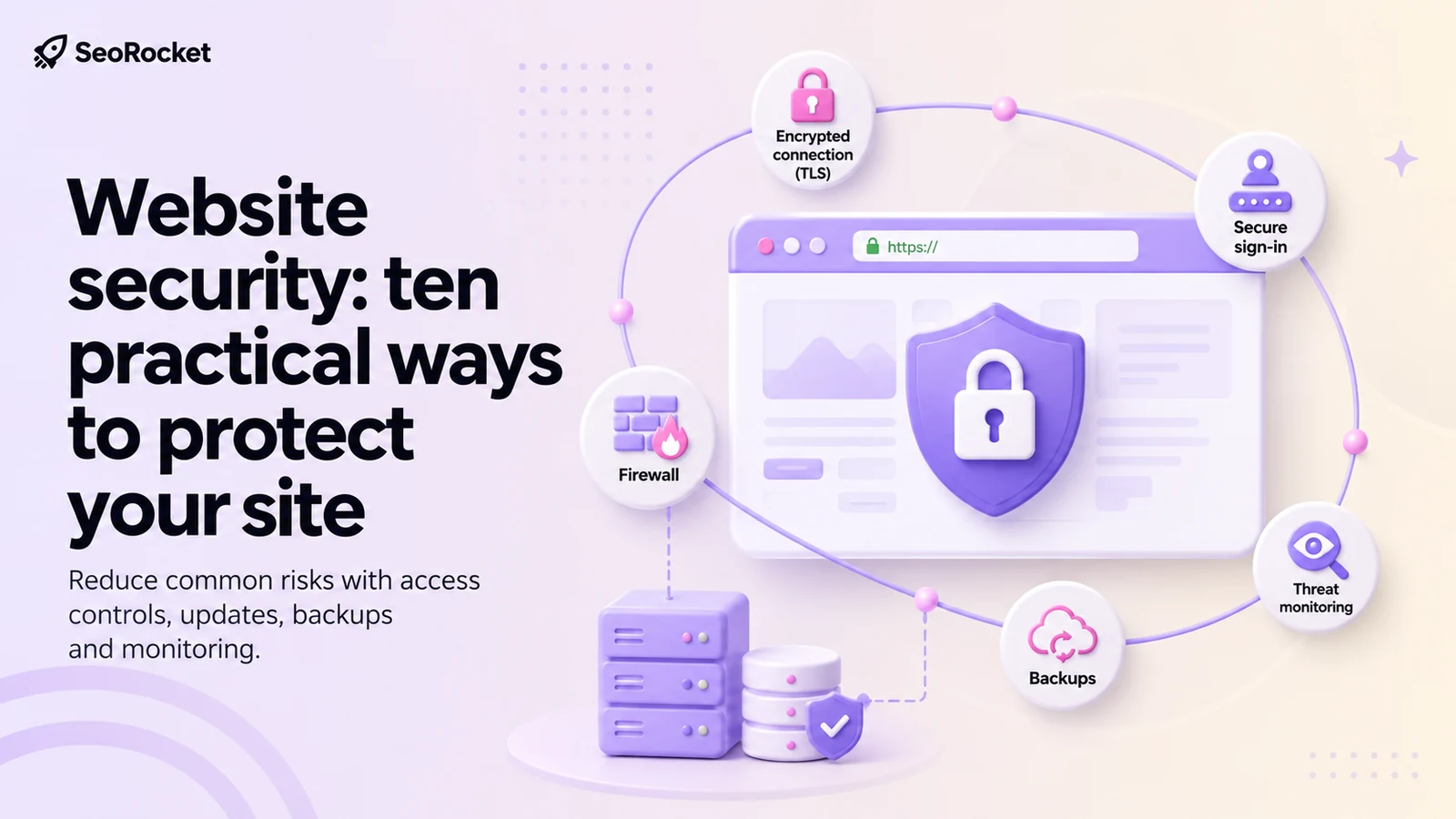
Websites face automated login attempts, malicious requests and attempts to exploit outdated software. The relevant risk depends on the application, the information it handles and its exposure; a reliable security plan starts with those specifics.
Automated traffic is not confined to one industry. A banking service, healthcare website and small business site have different risks, but each needs controls suited to its accounts, forms, integrations and data.
Website security is part of maintaining a dependable online service. This guide explains common threats and practical measures that can reduce exposure and help protect users’ information.
What is website security?
Website security combines technical controls, working practices and preventive measures intended to reduce unauthorised access, data theft and disruption. No single product provides complete protection. Effective safeguards address the confidentiality, integrity and availability of the website and its information.
Appropriate controls help reduce exposure to threats such as:
- Malware: harmful software that can disrupt the website, steal information or create unauthorised access.
- DDoS attacks: distributed denial-of-service attacks overwhelm a service with traffic or requests, making it difficult for legitimate users to access.
- SQL injection: unsafe database query construction can allow an attacker to manipulate queries and read, change or delete information.
- Cross-site scripting: an application allows attacker-controlled script to execute in another user’s browser. The consequences can include actions performed in a user’s session or exposure of accessible information.
- Brute-force attacks: repeated attempts to guess credentials and gain access to an account.
Assess these threats against the features your website actually provides. A public information page, an account area and a payment integration need different combinations of controls.
Why website protection matters to your business
Website protection supports business continuity and customer confidence as well as technical reliability.
A compromised website can create recovery costs, interrupted service and obligations relating to affected personal information. Those consequences are a more useful basis for planning than an unsupported global loss forecast.
Reused credentials are a practical example. If a password exposed in another breach also works on your administration account, an attacker may gain access without exploiting a vulnerability in the website itself.
Unique passwords, multifactor authentication and monitoring can reduce that exposure. Recovery planning matters too, because preventive controls cannot eliminate every incident.
The following business considerations help determine which safeguards deserve priority.
Protecting sensitive information
Websites may process customer details, payment-related information, internal documents or intellectual property. Identify where information is collected, stored and shared, then restrict access and protect it appropriately.
Protecting reputation and customer confidence
A security incident can damage confidence and interrupt customer relationships. Clear responsibilities, sensible safeguards and a prepared response help a business handle information responsibly.
Meeting legal and regulatory obligations
Data protection and security obligations depend on the business, information and jurisdiction. Technical controls can support those obligations, but installing a security product does not establish legal compliance by itself.
Website security checklist: ten essential steps
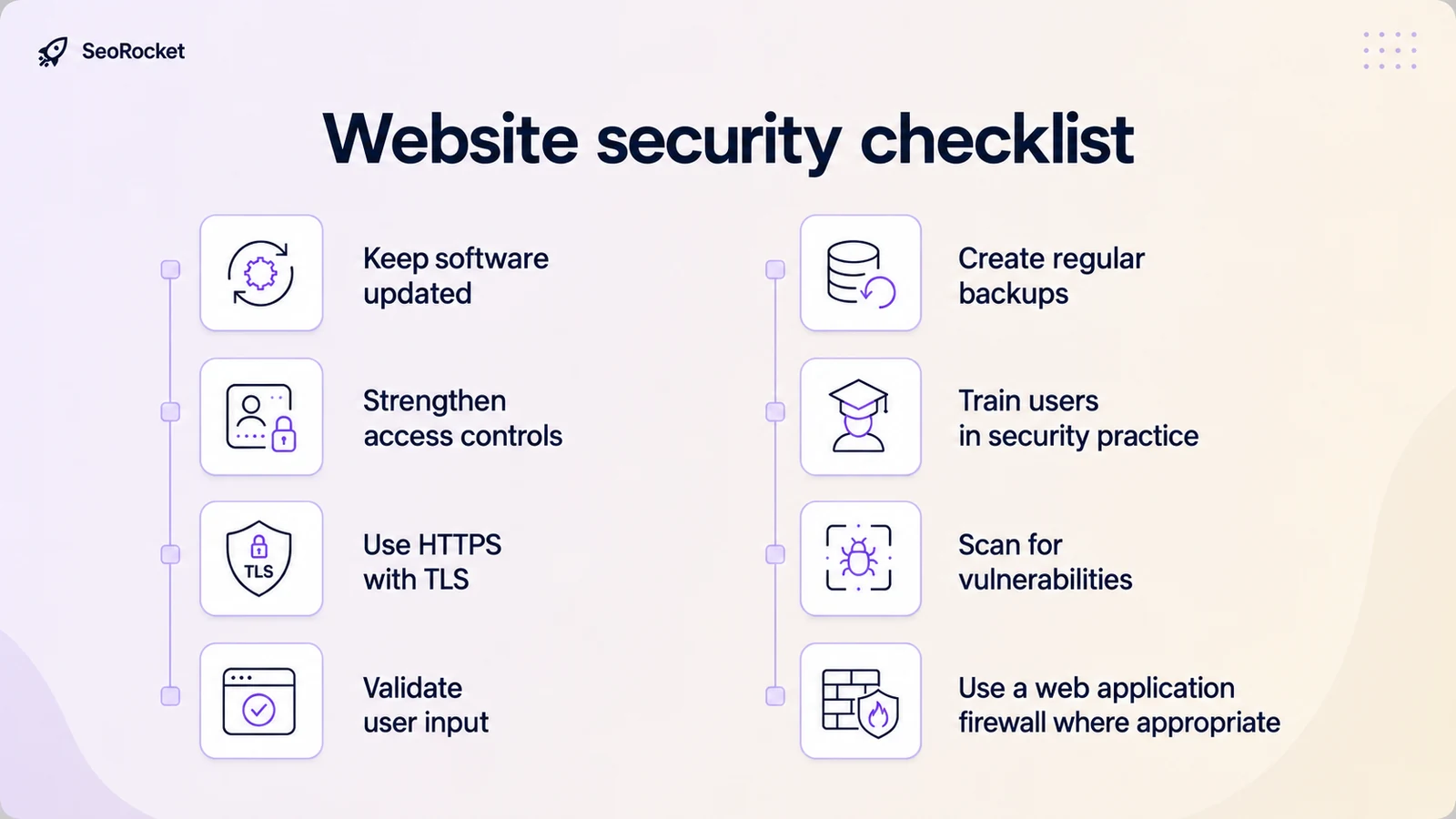
Use this checklist to organise the main areas of work. Adapt each measure to the application and assign responsibility for maintaining it.
1. Build security into development
Plan protection from the start. Application design, dependency choices and configuration can introduce weaknesses that are harder to correct after launch.
Start with these principles:
- Choose supported frameworks and components. Assess their maintenance, security updates and vulnerability handling rather than assume that a popular technology is inherently safe.
- Use secure development practices. Validate input, encode output for its context and use parameterised database queries. These controls address different risks and should be implemented together.
- Include security testing throughout development. Static analysis, application testing and authorised penetration tests can identify weaknesses before and after release.
2. Keep software up to date
Updates address known vulnerabilities as well as general maintenance. Establish a process for assessing, testing and applying relevant security fixes promptly.
Include these areas:
- Server operating systems: install applicable security updates and monitor whether the platform remains supported.
- Content management systems: the CMS must be maintained and updated. Unsupported versions can leave known weaknesses exposed.
- Third-party components: review plugins, themes, libraries and integrations, update them where appropriate and remove components that are no longer needed.
3. Control access
Access controls restrict who can reach sensitive functions and what an authenticated person is allowed to do.
Important measures include:
- Multifactor authentication: require an additional verification factor for privileged accounts, using a suitable authentication method.
- Role-based access: assign permissions according to responsibilities and apply the least privilege needed.
- Login throttling: limit repeated failed attempts and monitor suspicious activity without creating an easy denial-of-service mechanism.
- Session expiry: apply suitable inactivity and absolute session limits, with secure session handling and reauthentication for sensitive actions.
- Safe uploads: authorise upload actions, validate file type and size, and store files so that uploaded content cannot execute as application code.
4. Use HTTPS with current TLS
Encryption protects information in transit against interception and modification. It is one layer of protection, not a guarantee that the application or business is trustworthy.
Key considerations for HTTPS and TLS include:
- Encrypted connections: use HTTPS for communication between the browser and server, including forms and authenticated pages.
- Understanding browser indicators: HTTPS indicates an encrypted connection to the relevant host. It does not prove that the website is free of fraud, malware or application vulnerabilities.
- Certificate management: renew certificates before expiry, configure current TLS appropriately and disable obsolete protocols.
5. Test for vulnerabilities
Combine routine vulnerability assessment with appropriately scoped, authorised penetration testing. Findings need ownership, prioritisation and a check that fixes actually work.
Important activities include:
- Automated scanning: use appropriate tools to identify known weaknesses and help assess risks such as those described in the OWASP Top 10 . Automated tools do not cover every category or application-specific weakness.
- Penetration testing: qualified specialists can examine attack paths and business logic that automated scans may miss. Agree the scope and authorisation before testing.
Authenticated testing can examine functions that are unavailable to anonymous visitors. Its value depends on coverage and configuration; no fixed multiplier of additional findings should be assumed.
6. Validate input and encode output
Treat user-controlled data as untrusted. Validation, safe database queries and context-appropriate output handling serve different purposes.
Important controls include:
- Input validation: check expected types, ranges, lengths and formats on the server. Prefer allowlists where appropriate. Validation alone does not prevent SQL injection or cross-site scripting.
- Output encoding: encode untrusted values for the context in which they will appear. This helps prevent the browser from treating data as executable markup or script.
7. Protect passwords
Protect both the credentials people choose and the way the application stores them. A strong password can still be exposed through reuse or phishing.
Recommended measures include:
- Password policy: support long, unique passwords and password managers, block common or compromised choices and use multifactor authentication. Avoid relying on mandatory character mixtures as the main measure of strength.
- Password storage: use a dedicated, appropriately configured password-hashing function such as Argon2id, with a unique salt. Fast general-purpose hashes such as SHA-256 alone are unsuitable for password storage. Use established library implementations rather than design your own scheme.
8. Monitor unusual traffic
Unexpected traffic can indicate abuse, but it may also result from a legitimate campaign or news coverage. Investigate the context before applying blocks.
Useful measures include:
- Monitoring and alerts: track request rates, errors, latency and relevant security events. Set alerts that help the team identify and investigate unusual patterns.
- Traffic analysis: examine request behaviour and other signals to distinguish likely abuse from legitimate use. An IP address or country alone does not establish malicious intent.
- Rate limiting: apply limits appropriate to the endpoint, account and traffic pattern. Consider shared networks and legitimate automation when setting rules.
- DDoS mitigation: assess suitable hosting or specialist services for the scale and type of attacks you need to withstand, and understand their coverage and limits.
Prepare an incident response procedure alongside prevention: who investigates, who contacts the provider, how service is restored and how evidence is retained.
9. Use a content delivery network where appropriate
A CDN can cache suitable resources near visitors and reduce demand on the origin server. Security features vary by provider and configuration.
A CDN may help in these ways:
- Distributed delivery: cached resources are served from edge locations, which can reduce latency and origin load. This does not protect every uncached request or remove the need to secure the application.
- Origin offloading: serving cacheable content at the edge reduces the requests reaching the main server. For attack protection, review the provider’s mitigation features and whether attackers can bypass the CDN.
10. Consider a web application firewall
A web application firewall, or WAF, can inspect and filter requests using configured rules. It supplements secure application development and maintenance.
Potential benefits include:
- Request filtering: rules can identify and block some malicious request patterns before they reach the application. Monitor false positives and missed attacks.
- Behavioural detection: some services use behavioural analysis or machine learning to assess unusual activity. The capability and effectiveness depend on the product and its configuration.
- Configurable policies: administrators can adapt rules to the application’s endpoints, expected traffic and known risks.
- Virtual patching: a rule may temporarily block an exploit pattern while the underlying vulnerability is repaired. It should not become a permanent substitute for fixing the application.
Track vulnerabilities through to resolution. Prioritise by exposure, exploitability and business impact, record the owner and deadline, and verify the fix rather than close the ticket on the basis of a scan alone.
A clear recovery process completes the plan: maintain protected backups, test restoration and agree how incidents will be communicated. No WAF or scanner can promise that a website has no vulnerabilities.