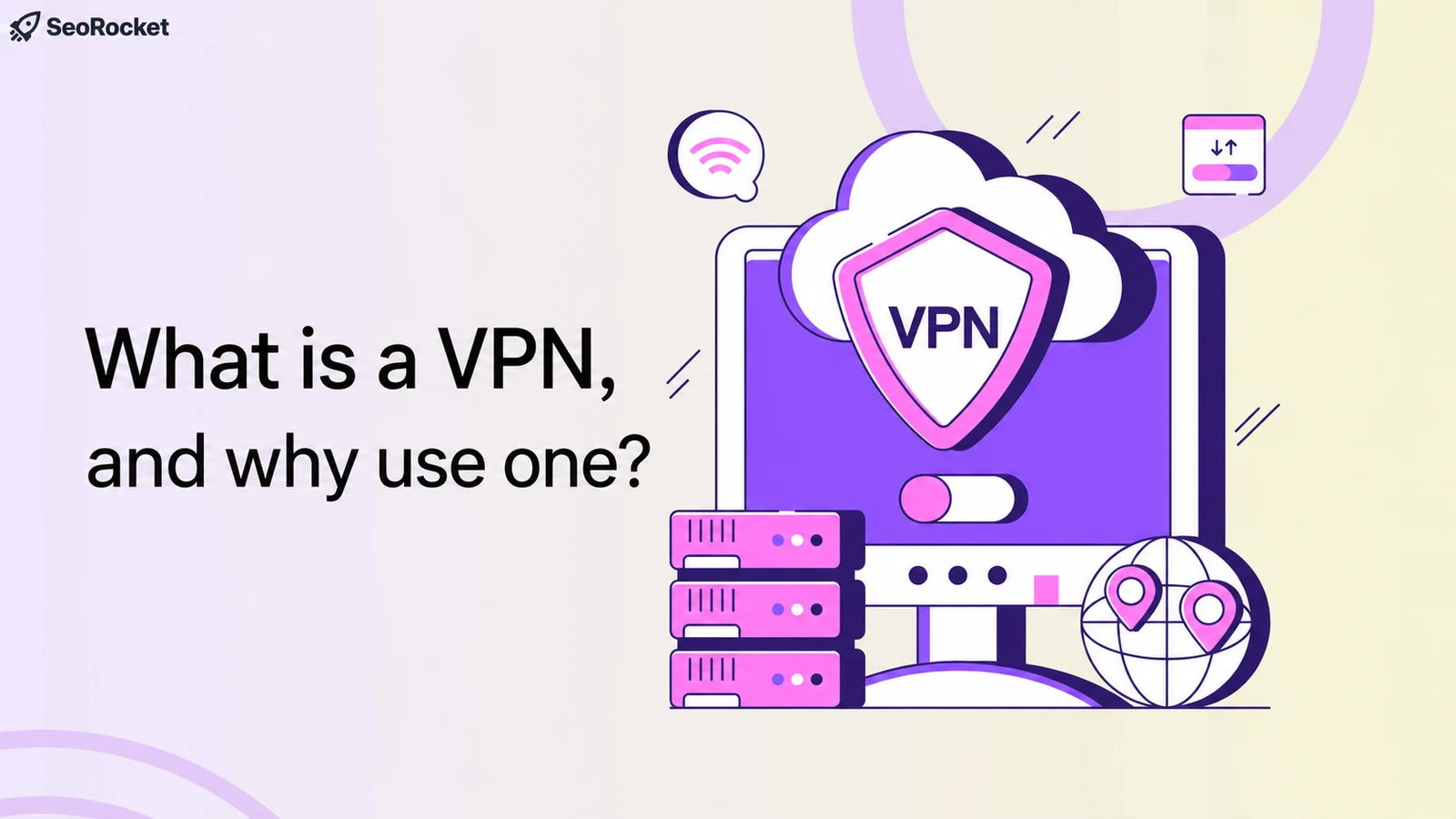
VPN stands forvirtual private network. It creates a protected connection between endpoints over another network. A suitably configured encrypted VPN can protect traffic within that tunnel, but it does not make you anonymous or secure every part of your online activity.
How does a VPN work?
A consumer VPN usually routes selected traffic through the provider’s server. Websites then see that server’s public IP address rather than the normal public address of your connection. The local network and internet provider can still observe the connection to the VPN and traffic metadata, while the VPN operator becomes another party you must trust. HTTPS remains important for protecting traffic to the destination website.
What can a VPN help protect?
Protecting traffic on an untrusted network
Encryption can make traffic inside the VPN tunnel unreadable to an observer on the local network. The protection depends on the protocol, implementation, configuration and security of the endpoints; it is not a guarantee against every attacker.
Appropriate encryption
Use a maintained implementation with suitable cryptographic settings. Avoid claims that a VPN makes activity invisible: websites, signed-in accounts and the device itself can still reveal information.
Changing the visible network address
A VPN can change the public IP address seen by websites. It cannot reliably hide every indication of location or identity: account information, device permissions, cookies and other signals may still identify you. Review the provider’s ownership, logging policy and independent evidence rather than assuming every service keeps no records.
Regional availability
Some services vary availability by region. A VPN endpoint may change the location inferred from the IP address, but access is not guaranteed and the service may apply other checks. Follow applicable law and service terms rather than treating a VPN as permission to bypass them.
Remote access to business resources
An organisation may use a VPN to provide authorised remote access to internal files and services. Authentication, access controls and device security remain necessary alongside encryption.
When might a VPN be useful?
Your internet provider carries the connection and can observe some information about it. HTTPS already encrypts the content exchanged with a properly configured website; a VPN changes which network operator can observe parts of the connection rather than making all observation impossible.
Choosing a consumer VPN shifts some trust towards its operator. Assess what it collects, how the service is funded and which evidence supports its privacy claims.
On public Wi-Fi, also verify the network, avoid unsafe connections and keep the device updated. A VPN does not protect a password entered into a phishing page or data stolen by malware on the device.
What should you assess when choosing a VPN?
Choose a VPN around the problem you need to solve. Assess its security, routing, reliability and provider practices rather than assuming every product labelled VPN offers the same protection.
Traffic routing and public IP address
Check which applications and routes use the tunnel and what happens to DNS requests. A consumer service can mask the normal public IP address from destinations, but it does not hide that address from the network provider carrying the connection.
Protocol and implementation
Use a current, maintained protocol and client. A VPN does not erase browser history, remove cookies or stop websites recognising a signed-in account. Manage those privacy controls separately.
Connection-loss protection
A kill switch or enforced routing rule can block traffic when the tunnel fails. Verify its actual scope: it may protect selected applications, specified routes or the full device, depending on the implementation.
Strong authentication
Use the authentication methods supported by the service or organisation, including multi-factor authentication where appropriate. Protect account recovery and credentials as well as the connection.
How VPN technology developed
VPN technology developed alongside the need to connect separate networks and remote users securely. It is part of a wider history of networking and cryptography, not a single invention that made all internet communication private.
Networking foundations
Early packet networks and the development of TCP/IP established ways for separate systems to communicate. TCP stands for Transmission Control Protocol; TCP/IP by itself does not provide universal encryption.
As network use expanded, researchers and standards bodies developed methods to authenticate and protect IP traffic. Distinguish those protocol developments from the later commercial VPN services offered to consumers.
IPsec and tunnelling protocols form part of that history. Older options such as PPTP should not be selected merely because they are widely documented; evaluate current security guidance and supported implementations.
From business networking to consumer services
Organisations adopted remote-access and network-to-network VPNs to support distributed work. Their purpose differs from a consumer service that routes web traffic through a provider’s endpoint.
Consumer offerings later made those routing and encryption capabilities easier to purchase and configure. Ease of installation does not establish the provider’s trustworthiness or the suitability of its security design.
VPN use today
Usage varies by market, purpose and measurement method. Old survey percentages should not be treated as current adoption figures or as evidence that a particular product is secure.
People use VPNs for different reasons, including approved business access and protecting traffic on untrusted networks. Some use consumer services to change the visible IP location, but a VPN does not guarantee access to every regional service.
Using a VPN safely
A typical encrypted VPN setup involves the following stages. The details depend on the protocol and whether all traffic or only selected routes use the tunnel.
- The client authenticates and establishes an encrypted connection to the configured VPN endpoint. The internet provider can still see that a connection to that endpoint exists.
- Routing rules send the selected traffic through the tunnel. For internet-bound traffic, destinations may see the endpoint’s public IP address.
- Continue using HTTPS and normal device protection. Traffic outside the configured tunnel and activity on a compromised device are not automatically protected.
Types of VPN connection
Three common connection models are:
TLS-based remote access
An organisation can provide remote access through a gateway using a SSL or modern TLS-based solution, depending on the product and architecture.
Some products provide a browser portal for selected applications; others require a client. Supported browsers, device checks and authentication depend on the implementation, not simply the presence of HTML5.
Site-to-site VPN
A site-to-site VPN connects networks, such as offices in different locations. Access rules determine which systems can communicate across that connection.
Connecting networks does not automatically isolate them. Segmentation and firewall policies need to specify which traffic is allowed.
This model can suit distributed organisations, but its suitability and complexity depend on the infrastructure. It is not universally the most effective choice for every business.
Client-to-server VPN
A remote device establishes a connection to a gateway that grants authorised access to specified resources. The organisation may configure a built-in client or provide a separate application.
The connection still travels over the user’s internet access service. Encryption protects the configured tunnel; it does not bypass the need for an internet provider.
Remote access can support approved business applications from home or another location. Apply least-privilege access, device management and the organisation’s policies rather than automatically granting access to the entire network.
Setting up a VPN on a computer
VPN client
Install or configure the approved client for the device. Use settings and credentials provided by the organisation or a verified provider, including certificates where required. Confirm the endpoint, routing and connection status before relying on it.
Browser extensions
A browser product marketed as a VPN may operate as a proxy for browser traffic rather than a device-wide tunnel. Check exactly what it covers; games, email clients and other applications may use a different route.
Assess the publisher, requested permissions, maintenance and data policy. A convenient extension is not automatically safer or less safe than a client; the implementation and provider matter.
Router-based VPN
A supported router can route selected network traffic through a VPN, including traffic from devices without their own client. Check compatibility, performance and the services that should use the connection.
Router setup can require specialist configuration. It does not prevent an unsafe device from attacking other devices on the local network, and a failed connection can affect several users at once.
Organisation-managed VPN
An IT team can manage configuration, access and monitoring centrally. Explain the applicable monitoring policy to users and maintain the gateway and clients. Managed access reduces particular risks; it is not a guarantee of complete security.
Can a VPN work on a phone or other device?
Many providers and operating systems support mobile VPN connections. Whether one is needed depends on the use case and organisational requirements. Obtain the approved app or configuration from a verified source and check the permissions and routing scope.
Does a VPN make everything secure?
A VPN is not antivirus software and does not make phishing, malware or unsafe account practices harmless. A compromised device can expose information before or after tunnel encryption. Keep the operating system and applications updated and use appropriate account and endpoint protection.
Treat the VPN as one control in a wider security plan, alongside strong authentication, current software, secure browsing and suitable device protection.