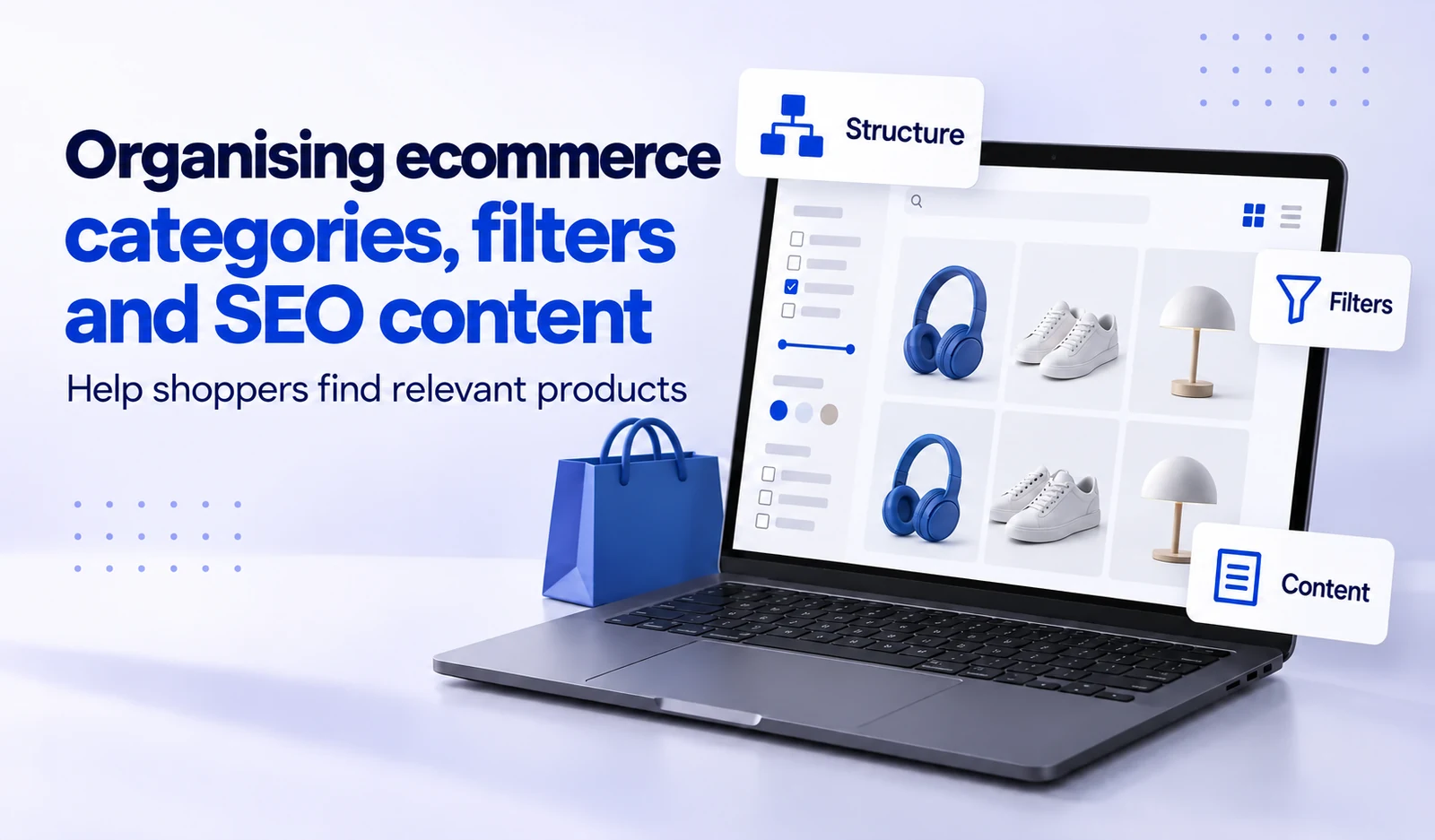
Ecommerce categories are more than lists between the homepage and a product. They help shoppers narrow their options and search engines understand the catalogue structure and its main product groups.
Category SEO starts with information architecture. A long block of copy at the bottom of a page cannot fix overlapping categories, filters that create thousands of near-identical URL or products that can only be found through internal search.
Build categories around a real buying decision
A separate category makes sense when it represents a clear product group and helps a shopper make a decision. Before creating a page, ask:
- do we have enough products for this group;
- do shoppers see it as a distinct choice;
- does it duplicate an existing filter;
- can we give it a distinct name, introduction and selection criteria;
- will it remain useful as the range changes.
If a category regularly contains only one product, a separate indexable page may offer little value. Strengthening the parent category or keeping the filter for browsing alone may be more useful. Make an explicit decision about indexing.
Create a clear category hierarchy
A simple structure is often easier to use than many overlapping levels:
- The homepage links to the main categories.
- Each category links to relevant subcategories.
- Subcategories provide direct links to products.
- Product pages link back to the most relevant category.
Google's ecommerce site structure guidance stresses that products should be reachable through navigation links. Googlebot generally does not submit searches in an internal search box, so products available only through search may be difficult to discover.
Link to important categories from relevant buying guides, brand pages and articles as well as the main navigation.
Keep filters from generating uncontrolled URLs
Filters help shoppers, but they can also create many URL combinations for colour, size, brand, price, power and their combinations. Not every combination needs to be indexed.
Divide filters into three groups:
- indexable pageswith search demand, enough products and a distinct purpose;
- filters for shoppers onlythat support browsing without becoming separate search landing pages;
- empty or excessively narrow combinationsthat should not be generated as separate crawlable URLs.
Each indexable combination needs a stable URL, its own title and H1, an appropriate canonical and internal links. Do not index every parameter combination simply because the platform can generate it.
A decision matrix for filter indexing
A noindex directive alone does not solve every faceted navigation problem. It tells a search engine not to show a URL after crawling the page, but does not itself prevent crawling. Large filter spaces also need controls over URL generation, internal links and crawler access. Google's faceted navigation guidance recommends preventing crawling of unnecessary filter URLs or, where crawling is needed, keeping their structure consistent and their responses meaningful. Choose an approach based on URL value and platform behaviour:
| Situation | Suggested approach | Important consideration |
|---|---|---|
| A stable combination has demand, products and a distinct purpose | An indexable, clean URL | Provide an H1, title, self-referencing canonical and internal link |
| A filter helps shoppers but has no independent search value | noindex, follow or another platform-level control |
The URL can still be crawled; monitor how many exist |
| Parameter combinations are generated almost without limit | Control generation and crawling at platform level | robots.txt alone does not remove a URL that is already indexed |
| Several parameter combinations show the same product selection | Consolidate URLs and use consistent canonicals | Canonical is a signal, not a guarantee |
| The combination is empty | Do not link to it internally; return an appropriate response | Do not keep it as a thin indexable page |
For example, the category /oro-kondicionieriai/ could be the main indexable page, with a stable product type that has search demand at /oro-kondicionieriai/mobilus/. A combination such as “portable + white + under €500 + a specific power rating” may help shoppers use the interface without needing a new SEO landing page. The technical approach depends on the platform, URL parameters and how consistently variants can be managed.
Before changing the rules, export filter combinations, their GSC impressions, internal links and product counts. This helps avoid accidentally blocking a filter with existing demand or backlinks.
Write category content that helps people choose
Useful category copy answers questions shoppers have before opening individual products. A short introduction can define the range and the main selection criterion. Put detailed guidance below the product list or between relevant parts of it.
Rather than making general claims about “the highest quality”, explain:
- how the main product types differ;
- which specifications to compare;
- who each option suits;
- what technical labels mean;
- how delivery, warranty or installation affects the decision.
Copy should not hide the products or force shoppers through a long SEO introduction before they can see the range. Let the complexity of the buying decision determine its length.
Manage pagination and product order
If products span several pages, each pagination step should be reachable through a normal HTML link. Infinite scrolling can be convenient, but products must also be discoverable without a visitor interacting with the page.
Product order matters too. Show available items that represent the category well, rather than a random selection. Out-of-stock products should not consistently occupy the entire first viewport.
For a temporarily unavailable product, keeping the page and suggesting alternatives is often useful. For a permanently removed product, consider whether there is an equivalent replacement and whether the page receives traffic or backlinks. Redirecting every discontinued product to the category is not always helpful.
Give category and product pages distinct purposes
A category should answer a broader selection question. A product page should explain a particular model's features, price and availability, and let the visitor buy it. If both pages target the same phrase with similar titles, headings and copy, the URL shown in search may alternate.
Distinguish between:
- a general product group;
- a brand or product series;
- a query for a particular model;
- an informational buying guide.
Internal links can then lead consistently from the guide to the category and from the category to the product.
What to measure after making changes
Look beyond category rankings. Track impressions and clicks, product discovery, filter use, exits, add-to-cart events and revenue. More traffic is only a partial success if shoppers still cannot find suitable products.
A professional ecommerce SEO brings category architecture, filter indexing, product discovery, content and measurement together. Where catalogue logic or integrations need to change, coordinate SEO decisions with ecommerce development work.
Category quality checklist
Before publishing a category, test it as a shopper. Is its selection clear from the name? Are products visible immediately? Do filters behave predictably? Do available items appear before discontinued stock? Does the copy help people compare? Then check the technical details: a 200 response, self-referencing canonical, indexing directives, pagination and direct HTML links.
The core principle
A strong category has a clear purpose, a useful range and direct product links. Manage filters according to demand and value, and use copy to help people choose. Together, these make products easier to discover, improve the buying journey and help search engines understand the main product groups.