Analytics can show how many visits are attributed to SEO, but connecting those visits with genuine enquiries and customers takes more work. The approach below explains how to pass source information into a CRM and report on subsequent outcomes, while recognising attribution limits.
Why track enquiries and customers from SEO?
Consider an illustrative pool-maintenance business acquiring customers through organic search, search ads and social ads. Traffic alone might suggest the paid channels deserve more budget.
Following enquiries through to customers and revenue could produce a different picture. For example:
- Organic search contributes 25 customers, compared with 19 across the two paid channels.
- Illustrative revenue is about EUR 41,000 from organic search and EUR 24,000 from the paid channels. The original example approximates USD 45,000 and USD 26,000; these are not current exchange-rate conversions.
- The example's enquiry-to-customer rates are 83% for organic search and 17.5% and 30% for the paid channels. These are hypothetical inputs, not benchmarks or SeoRocket client results.
Looking beyond visits can support better budget discussions. Attribution is still a model of recorded interactions, not a complete causal explanation of sales.
How to collect attribution data
There are several approaches, depending on your technology:
- Some CRM form systems capture source information directly.
- A CMS integration or script may collect UTM parameters and available referrer information.
- A dedicated attribution script may retain permitted source information and pass it with the enquiry. Storage and processing must respect the applicable consent and privacy settings.
Four steps to connect SEO enquiries with customers
1. Add the attribution script and hidden fields
Configure the tracking implementation for the website. In many content management systems , this can be managed through an integration or code settings. Add hidden fields to the enquiry form for the source details. For example:
- Channel
- Channel detail 1
- Channel detail 2
- Channel detail 3
- Channel detail 4
Some form builders provide hidden fields in a visual editor. Check how your particular form handles population, validation and submission.
2. Populate the available source information
When a visit is identified as organic search, the implementation records the permitted source details and passes them through the hidden fields with the submitted enquiry. Availability depends on consent, browser behaviour and the tracking configuration.
For the pool-maintenance example, someone might arrive from search, browse several pages and submit the contact form. Available fields could include:
- Channel = Organic Search
- Detail 1 = Search engine
- Detail 2 = Referring domain
- Detail 3 = Search query, only if genuinely available; Google generally does not pass individual organic queries to the destination.
Also record the landing page, such as /services/pool-cleaning, and an appropriate page group, such as /services.
3. Pass the data to the CRM or enquiry notification
Send the form and source fields into the CRM so the record can be linked to qualification, customers and revenue. Without a CRM, adding source information to the enquiry email can provide a simpler initial record.
4. Prepare reports and assess return
With the data flow working, report on recorded enquiries, customers, conversion rates and attributed revenue by content group. Keep the definitions and attribution approach consistent when comparing channels.
Three reports for understanding SEO contribution
1. Enquiries by channel
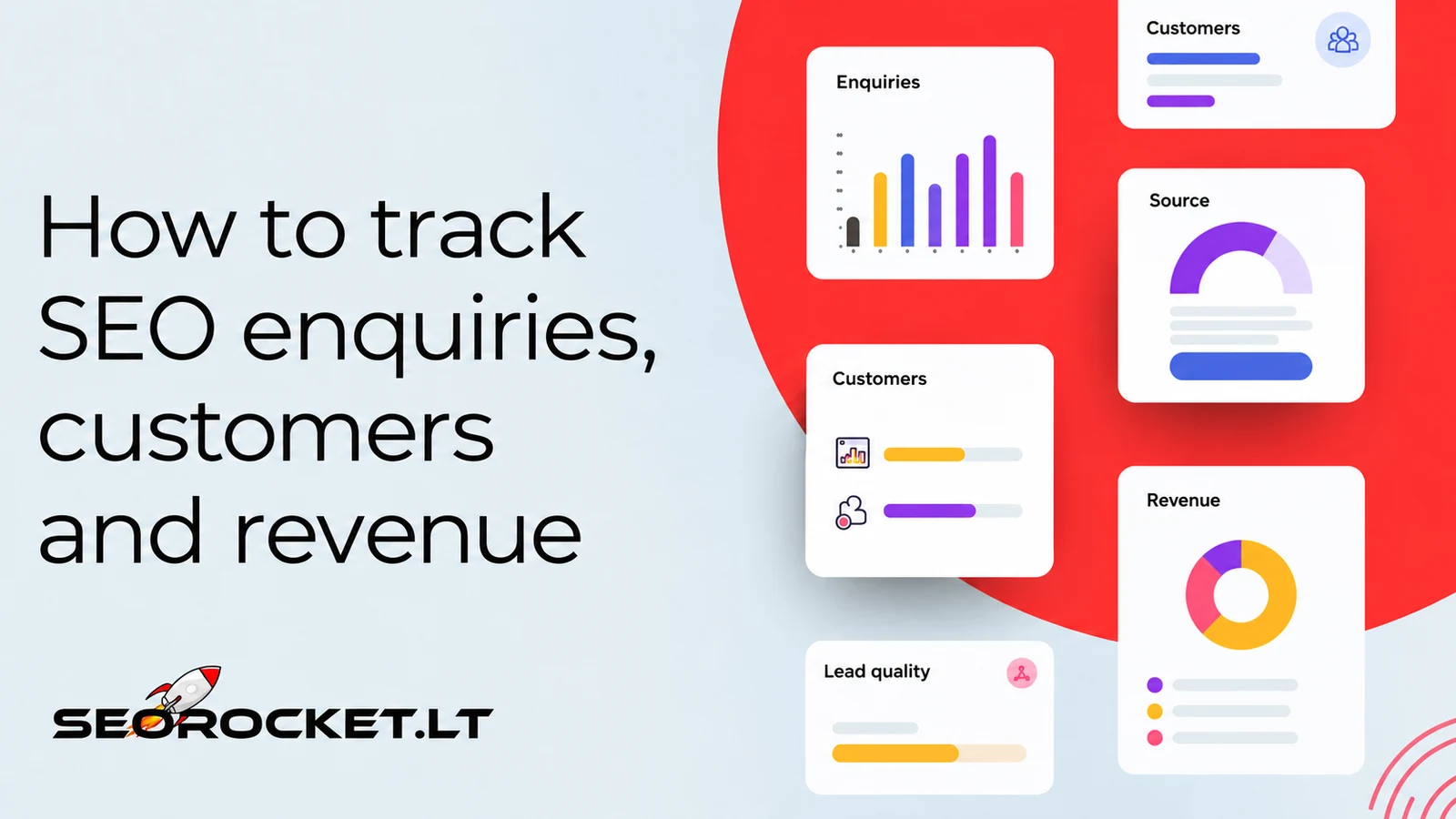
This shows the recorded enquiries attributed to organic search, search ads, social and other channels. It helps compare volume and trends, but enquiry counts alone do not establish quality or demand created by the channel.
2. Customers from organic search by search engine
Break down recorded customers by their attributed search source. Compare enquiry-to-customer rates rather than assuming organic traffic always converts better than paid traffic.
3. Attributed revenue by landing-page group
Group customers' attributed revenue by the initial page category, such as services or blog content. This can reveal useful patterns and help investigate changes, but it does not establish that a ranking or format change caused the outcome.
Use attribution to inform budget decisions
Connecting enquiries, customers and revenue helps assess organic search's business contribution. To calculate ROI, include relevant costs and profit or contribution margin, rather than treating revenue as return. Consider missing data, attribution settings and the role of other channels before reallocating budget.
Implementation can be staged: start with suitable source fields and reliable submission handling, then add CRM outcome reports and cost-based return calculations. Better records improve the picture, but no tracking system captures every influence on a purchase.