Digital marketing platforms such as SEO.com, Hootsuite, Mailchimp, Google Analytics and Canvahelp teams manage campaigns, analyse performance and create assets. Their usefulness depends on the task, the quality of the data and how they fit your workflow.
Marketing software can support keyword research, publishing, measurement and contact management. It can reduce repetitive work and make opportunities easier to identify. With so many overlapping products, the challenge is choosing a set that solves your actual problems without adding unnecessary subscriptions.
The following tools cover different marketing tasks. Compare their features, plan limits and integrations against your goals rather than treating the list as a universal ranking.
SEO tools
One important part of digital marketing is search engine optimisation (SEO). SEO tools help investigate search demand, technical issues and competitors. Improvements still depend on the decisions and implementation that follow.
1. Ahrefs
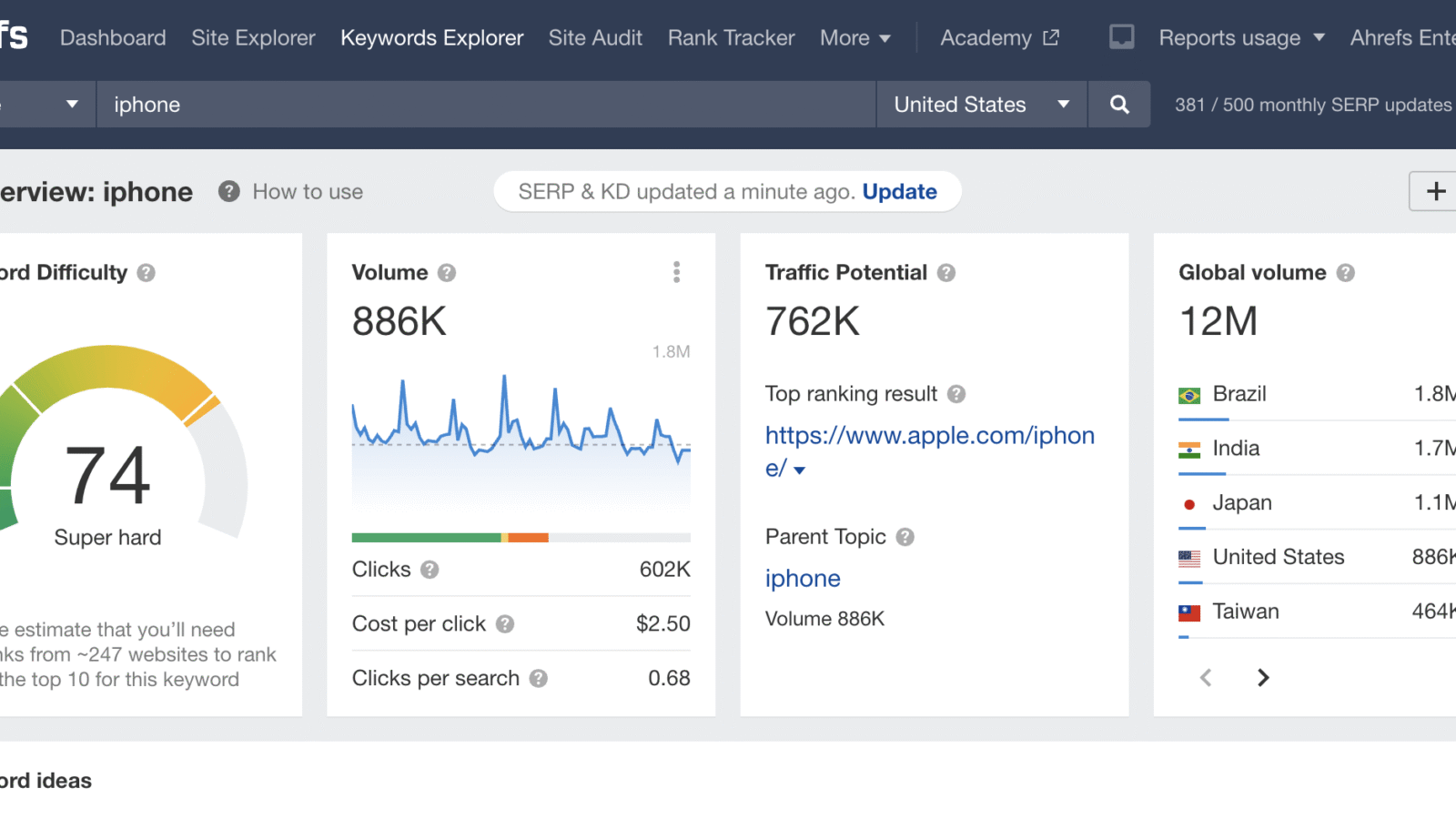
Ahrefs is a suite of SEO analysis and analysis tools for developing a search strategy. Its website crawler can identify technical and on-page issues, while other reports help investigate visibility and potential improvements. Tool warnings need to be checked in context before changes are made.
With Ahrefs you can carry out:
- keyword research
- backlink analysis and link prospect research
- rank tracking and analysis of estimated organic traffic
- competitor analysis
Social media marketing tools
A consistent social media presence requires planning, publishing and responding to people. Social media management platforms bring these tasks together and reduce repetitive work across channels.
2. Hootsuite
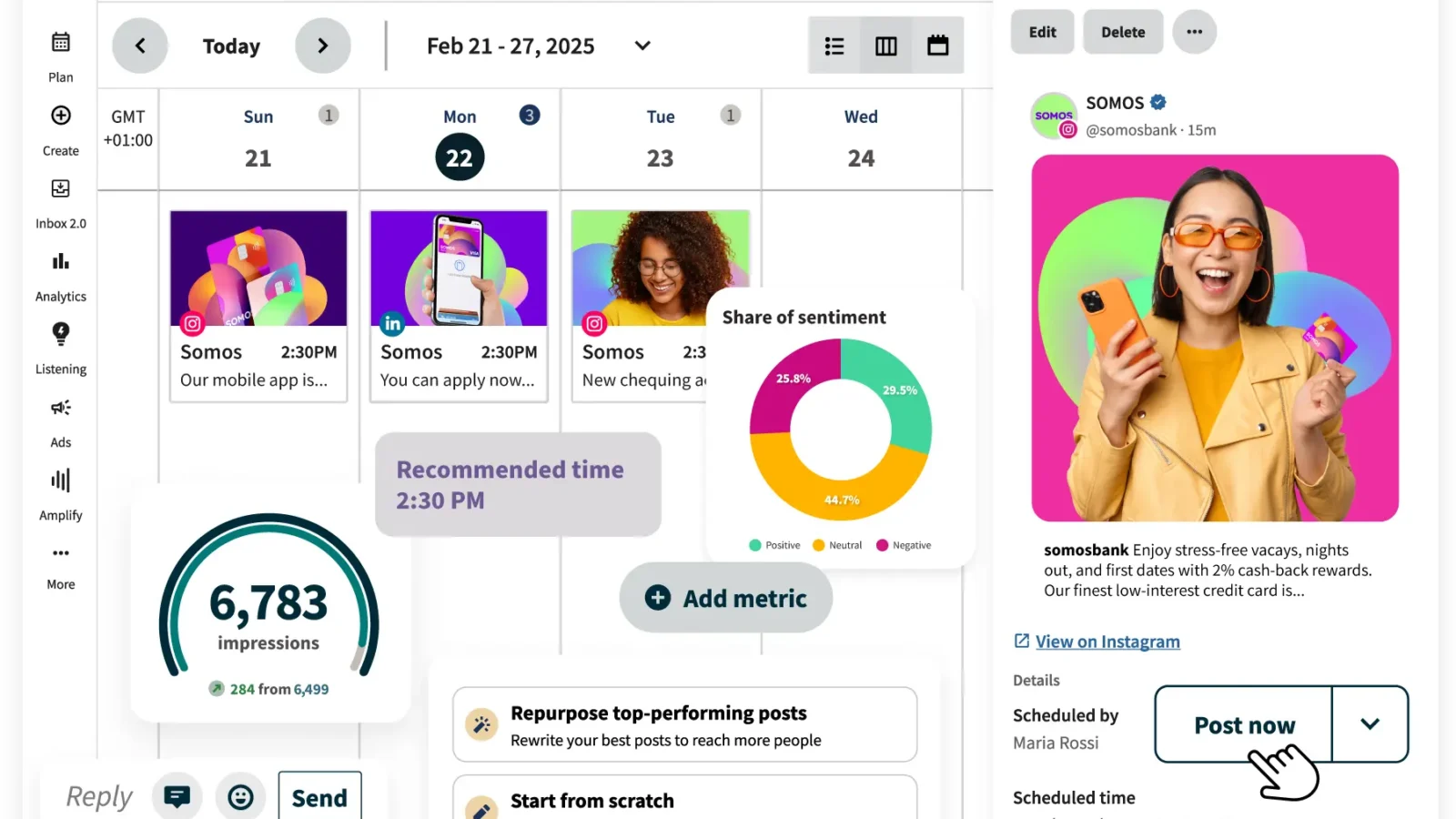
Hootsuite combines content planning, publishing, engagement and reporting. Teams can manage supported social accounts from one dashboard. Listening, analytics and collaboration features depend on the package and integrations selected.
Using Hootsuite you can:
- schedule and publish posts
- organise social media content calendars
- respond to your audience
- monitor topics, trends and brand mentions with supported listening features
- create visual performance reports
3. Buffer
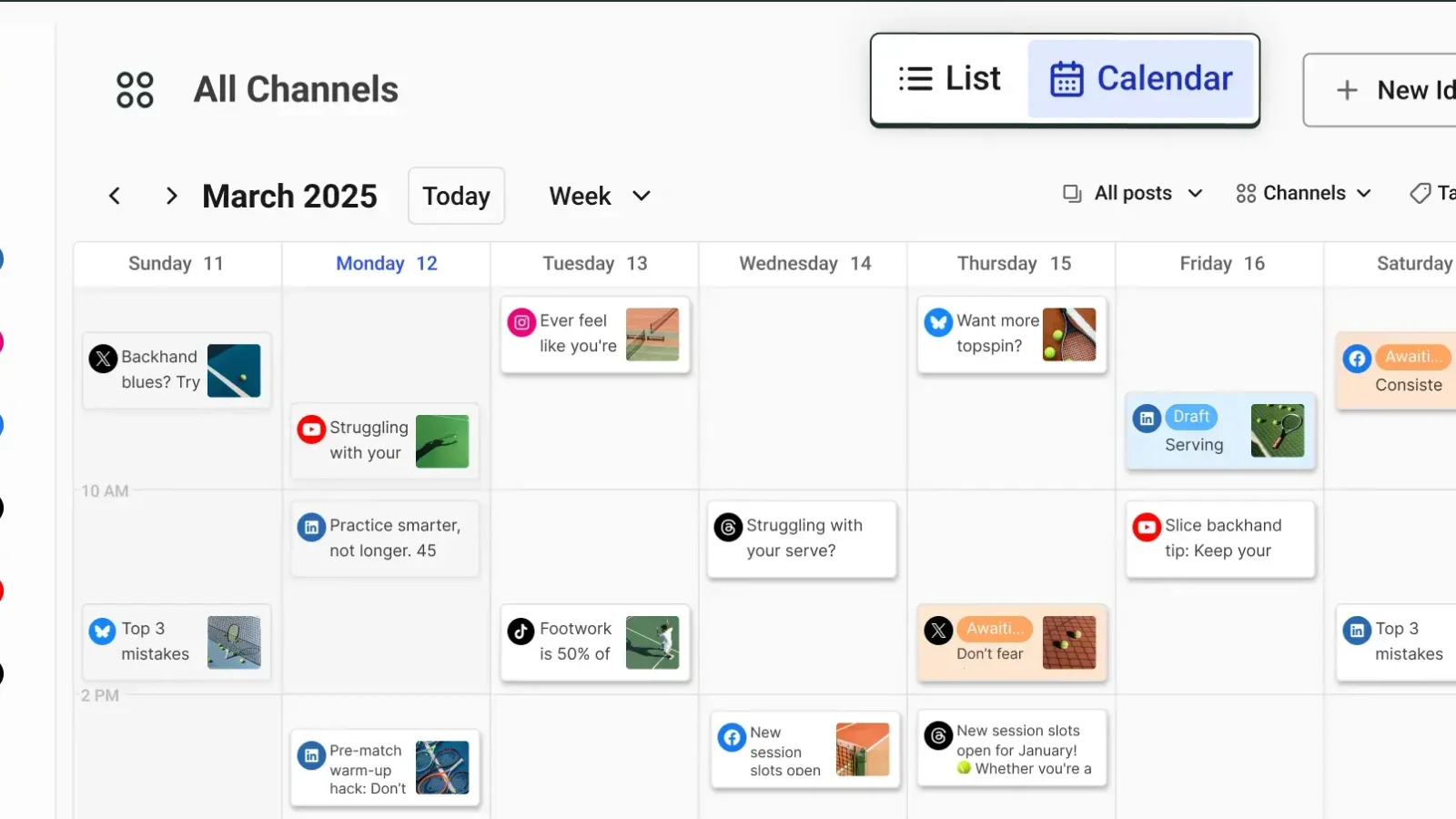
Buffer provides social media publishing and planning tools. It helps teams prepare content for supported channels, manage a publishing schedule and review performance. Scheduling improves organisation; audience growth depends on the content and response it receives.
Buffer offers features for:
- publishing content
- analysing performance
- managing audience engagement
Email marketing tools
Email marketing platforms help segment contacts, run campaigns and assess engagement and lead conversions. Automation can save time, but useful segmentation and relevant messages still require a clear understanding of the audience.
4. Mailchimp

Mailchimp is a cloud-based email marketing platform. It provides campaign creation, audience management, automation and reporting. Compare contact limits, sending allowances and automation availability before choosing a plan.
Using Mailchimp you can:
- build segmented email campaigns
- design emails with a drag-and-drop editor
- manage subscriber lists
- set up automated campaign journeys
- analyse how contacts move through supported customer journeys
5. HubSpot
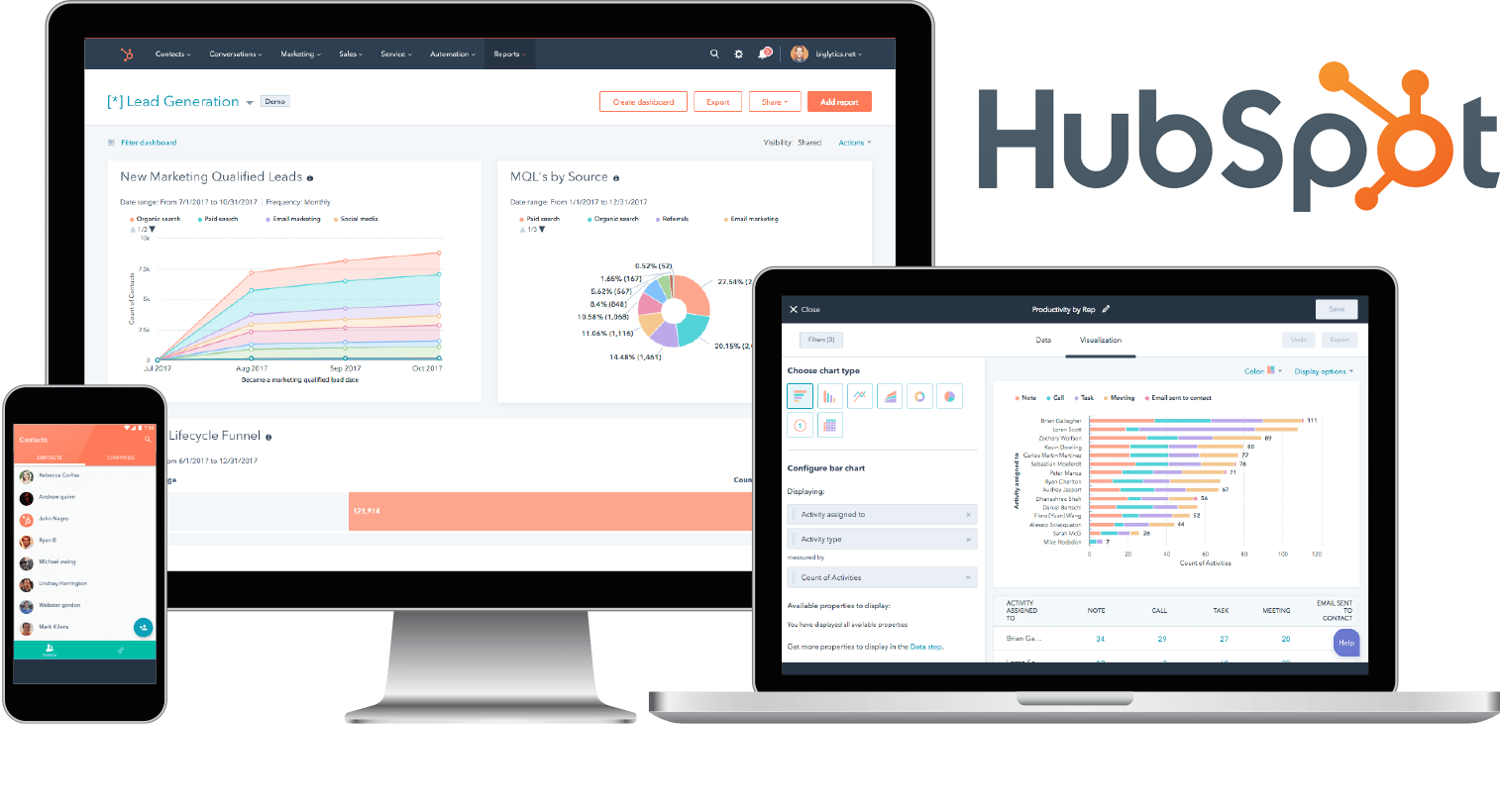
HubSpot combines CRM records with marketing, sales and service products. It helps teams manage contacts and follow up on opportunities. Email logging and data synchronisation require the appropriate connections and settings; they do not happen automatically for every account.
Alongside email campaign automation, HubSpot offers social publishing and content tools through relevant products and plans. Integrations can connect parts of the marketing and sales workflow, provided that permissions, data mapping and ownership are set up correctly.
Analytics tools
Measurement helps distinguish campaign activity from useful outcomes. Analytics platforms show how visitors arrive and what they do, giving teams evidence for changes to content, targeting and the website.
6. Google Analytics
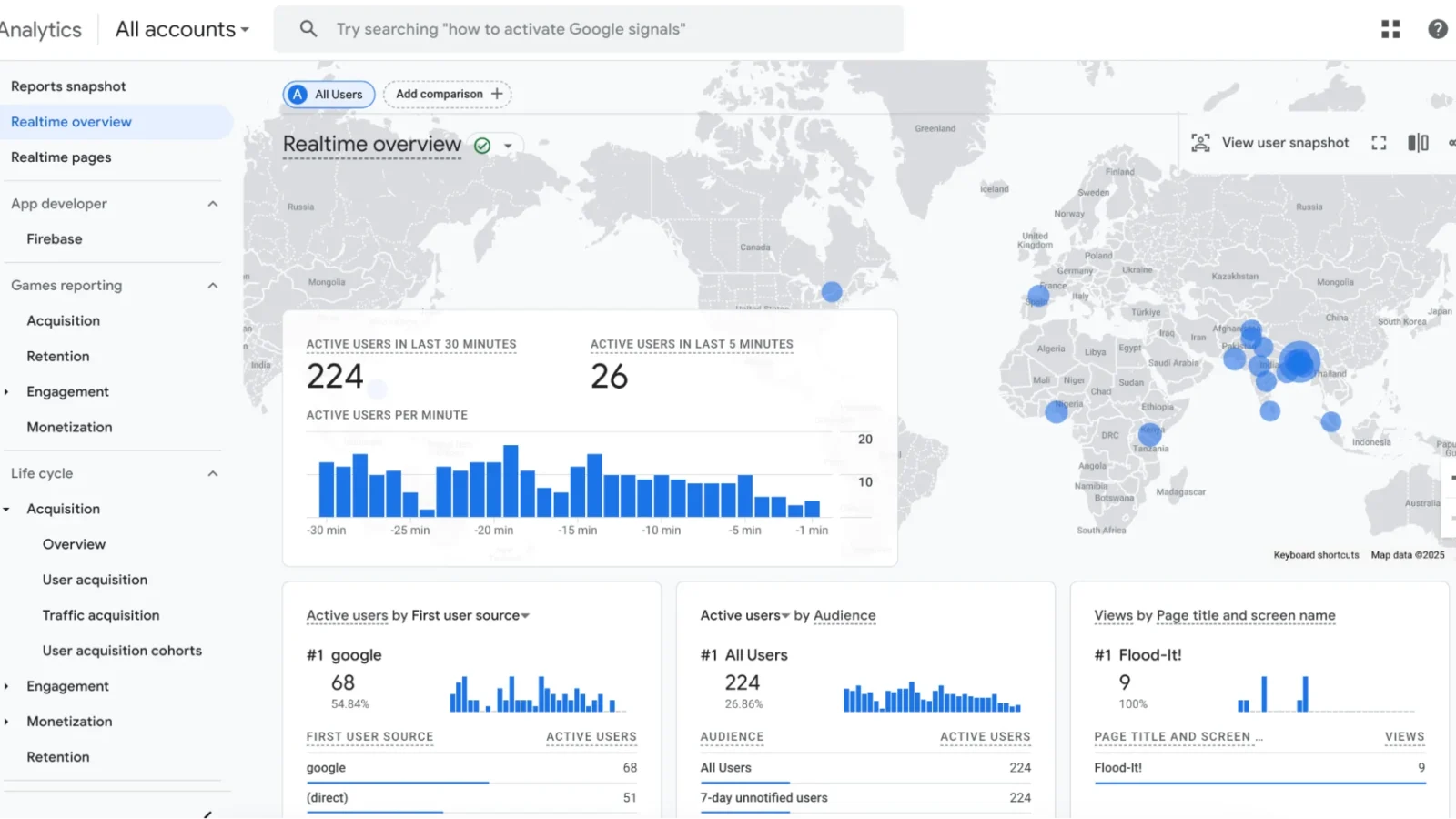
Google Analytics collects website and app event data to help explain acquisition and user behaviour. Connections with other products can add campaign and advertising context. What you can measure depends on implementation, consent and data quality.
The standard version has no subscription fee and can help you:
- identify trends and patterns in visitor behaviour
- collect, visualise, analyse and report data
- review campaign performance
- investigate the steps leading to key events
- find opportunities to improve the website and campaigns
If you need a different approach, compare other analytics platforms against your reporting needs, privacy requirements and implementation resources.
7. Hotjar
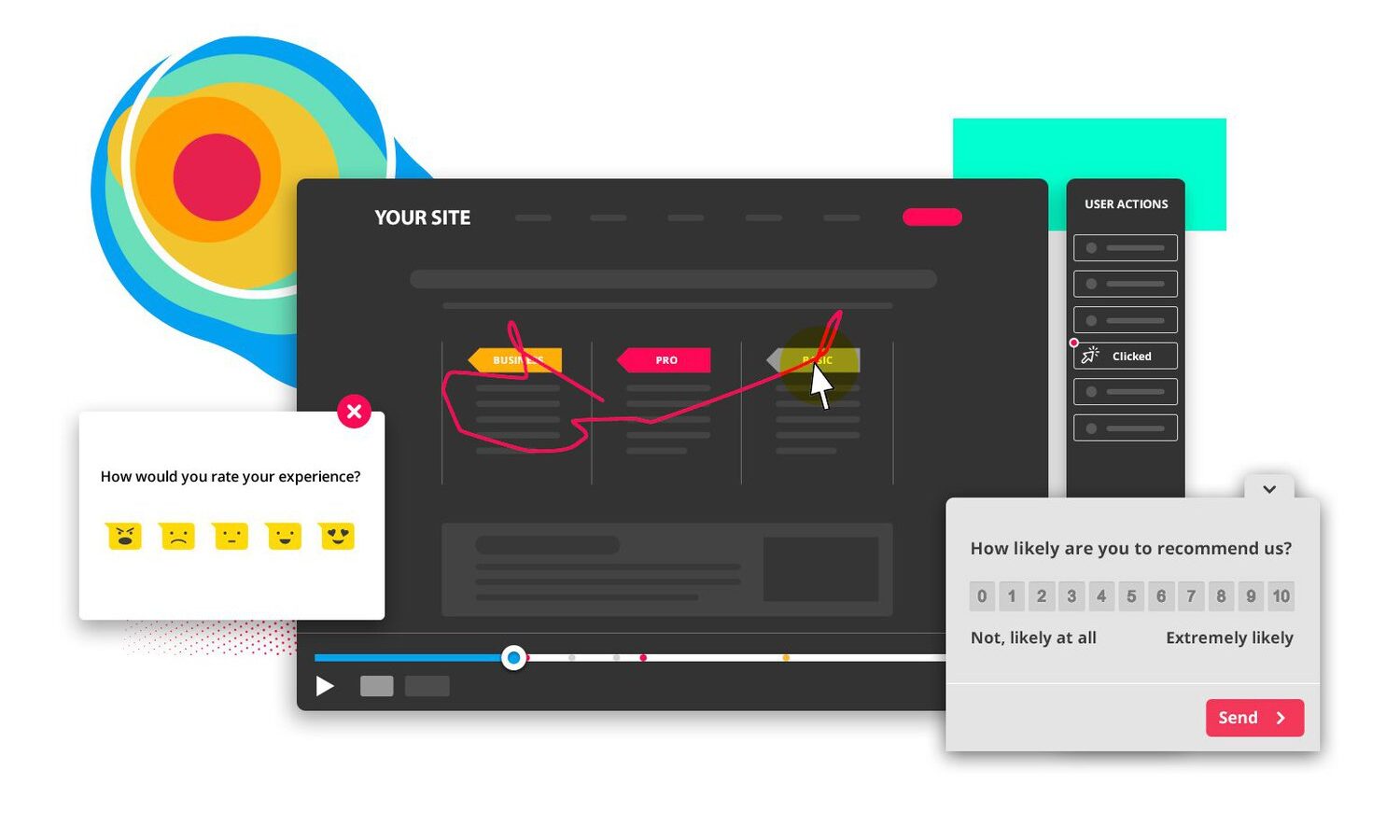
Hotjar offers heatmaps and session replay tools for exploring visitor behaviour. These help investigate clicks, scrolling and points of friction. Session replays reconstruct captured interactions; they are not ordinary video recordings of a visitor's screen.
Hotjar is now part of Contentsquare. Check the current product offering, capture settings and consent requirements before adding it to your measurement setup.
Graphic design and video tools
Graphics and video can make a message easier to understand and adapt to different channels. Design tools help teams produce these assets consistently, but templates still need appropriate content, branding and a quality check.
8. Canva

Canva provides tools for creating graphics, presentations and video. Templates, images and design elements can be adapted for social posts, campaign assets and business communication. Check asset licensing and plan availability before commercial use.
The editor reduces some technical production work and can help teams reuse approved layouts. In addition, Canva offers integrations that connect parts of the design and publishing workflow. An integration does not itself improve campaign performance.
9. Visme
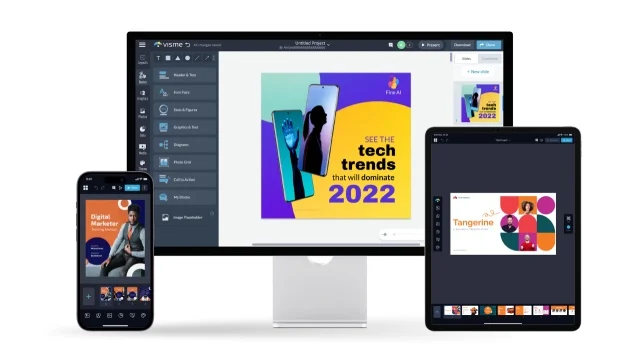
Visme provides tools for presentations, infographics and other visual content. Data visualisation features and supported imports can help turn figures into charts. Check the source data and chart design rather than relying on the template alone.
Its templates support internal presentations and external business communication. Compare export formats, brand controls and collaboration features for the plan you are considering.
Productivity tools
Campaign delivery also depends on organisation and communication. Productivity tools make ownership, deadlines and decisions easier to track across the team.
10. Trello
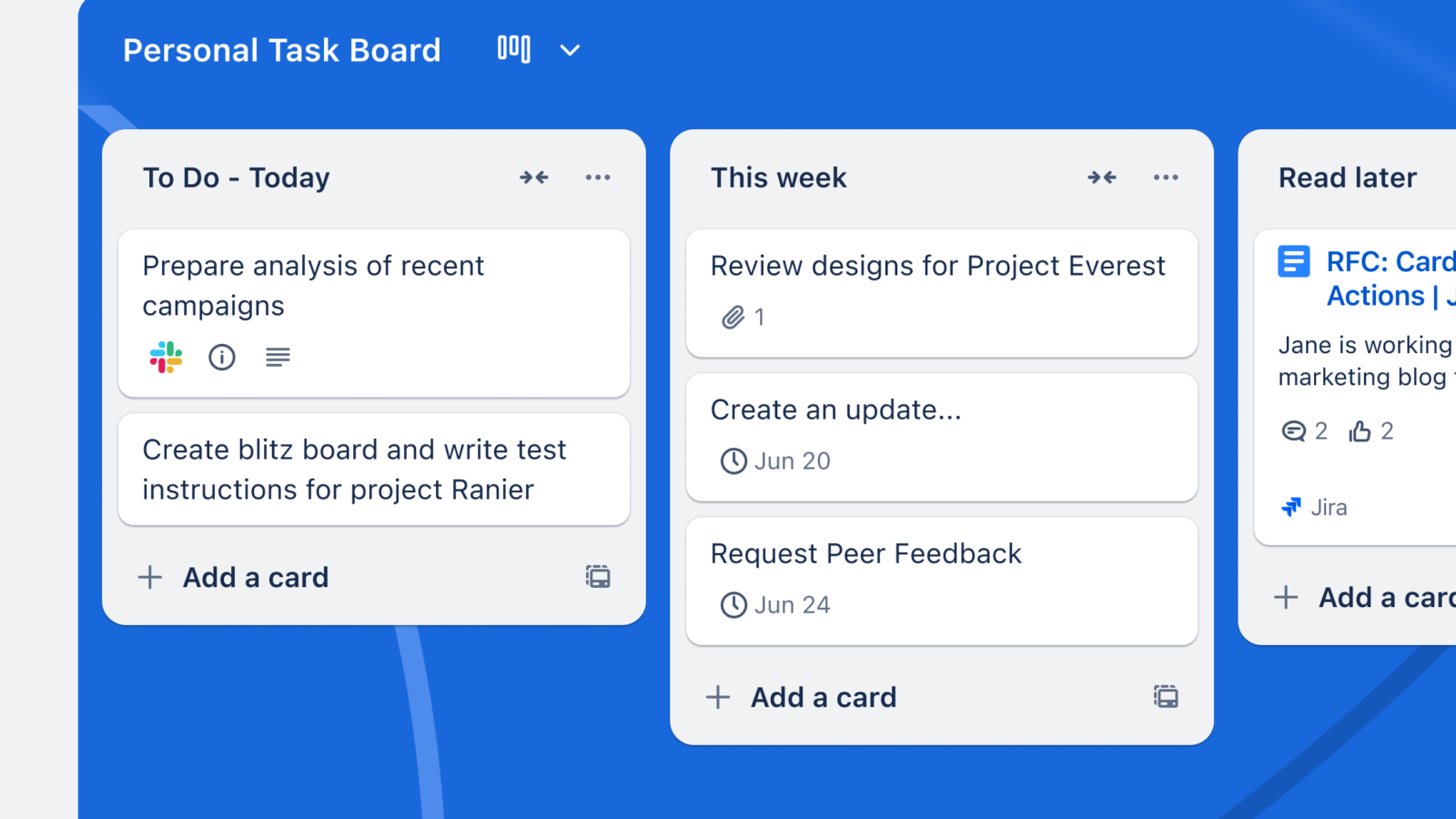
Trello organises work through boards, lists and cards. Marketing teams can use it to plan campaigns, assign tasks and keep supporting information with each piece of work.
A clear board structure makes outstanding work and responsibility visible. Agree on owners, due dates and what each status means before adding more automation.
11. Slack
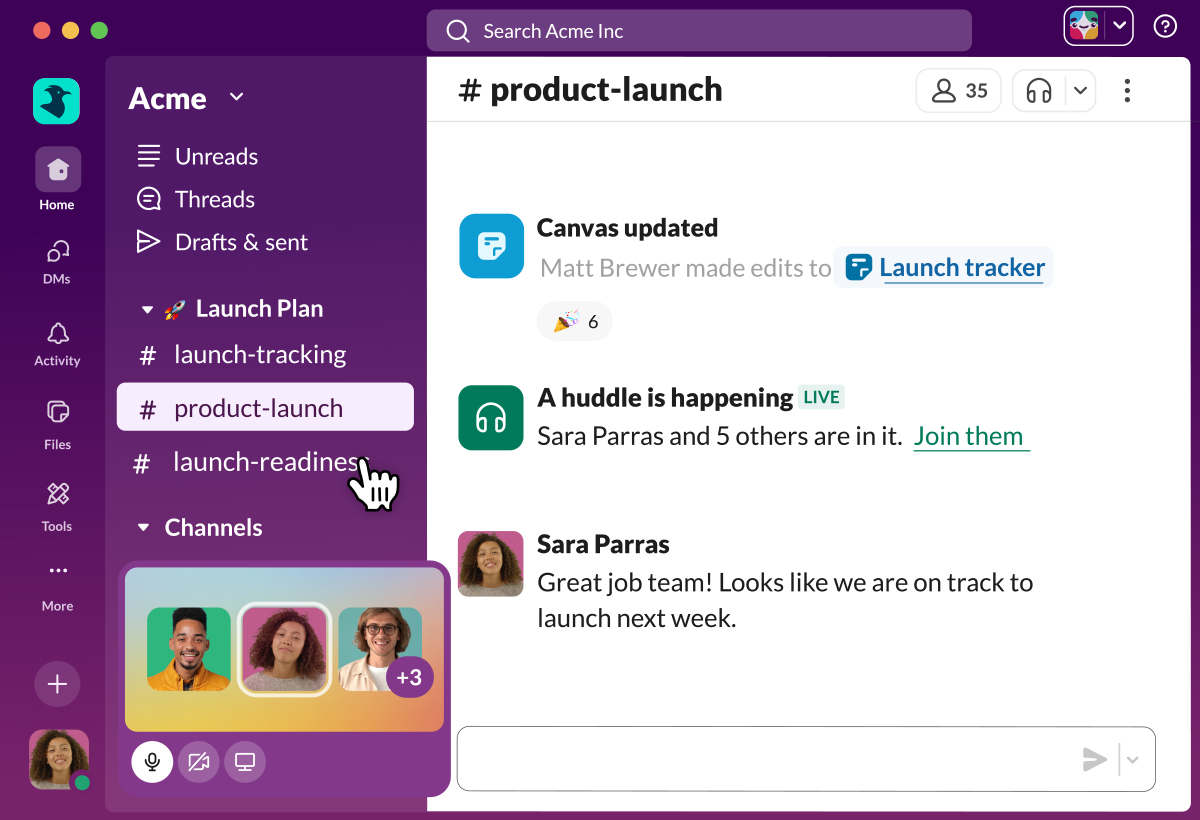
Marketing teams need a reliable way to discuss work and record decisions. Slack provides workplace messaging and collaboration tools.
Channels bring conversations about a project or topic together, while integrations can surface updates from other tools. Clear channel purposes and documented decisions matter more than the number of messages sent.
Choose tools around the decisions and work they need to support. Check the current vendor documentation, test the workflow with realistic tasks and review overlapping subscriptions before committing to a larger software stack.