LinkedIn is a professional networking platform. If you are new to it, begin with the purpose of your profile and the people you want to communicate with rather than try every available feature.
This guide covers profiles, professional connections, useful content and business research.
What is LinkedIn?
What is LinkedIn?
It is a social platform oriented towards work, professional relationships and career-related information.
A personal profile presents your experience, skills and work. It can also connect that information with the people and organisations relevant to your interests.
You can follow professional discussions, connect with colleagues and contribute useful information. The value depends on relevant participation rather than the largest possible contact count.
Publishing posts or articles provides another way to explain your work, but activity alone does not establish expertise.
How businesses can use it
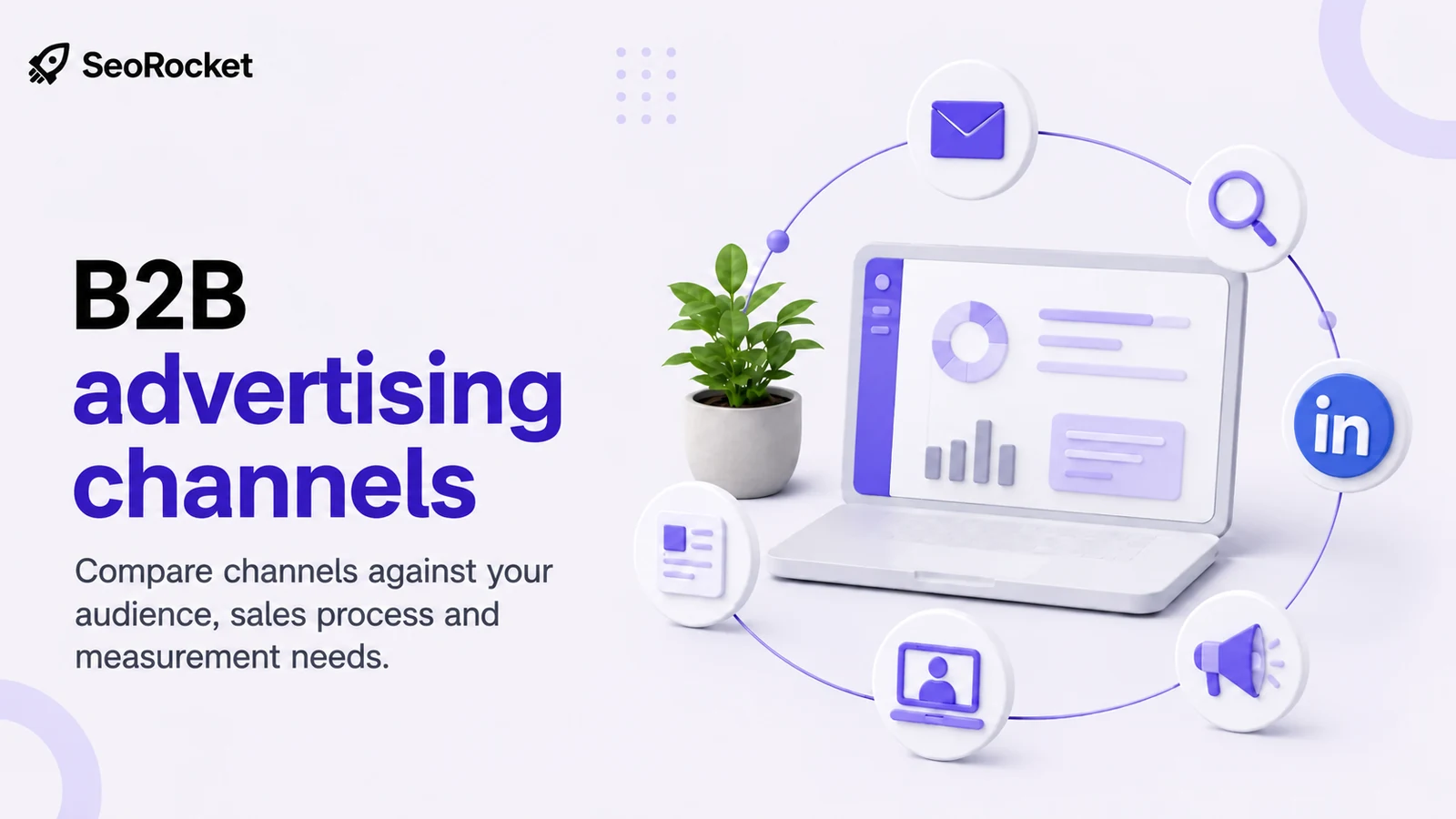
For businesses serving other businesses (B2B), supported search and commercial products can help research organisations and roles. Advanced filters depend on the product and subscription.
A business can publish useful resources, verified case studies and relevant updates.
Advertising and InMail are separate capabilities with their own access, pricing and policies. Precise targeting does not guarantee a qualified enquiry.
LinkedIn’s origins
LinkedIn was co-founded by Reid Hoffman with Allen Blue, Konstantin Guericke, Eric Ly and Jean-Luc Vaillant.
The service launched in 2003.
Its early purpose centred on professional connections and opportunities.
The product has since expanded to include publishing, recruitment, advertising and sales-related services.
Assess its suitability for your audience rather than assume that a large member count makes it indispensable for every business.
What is a profile?
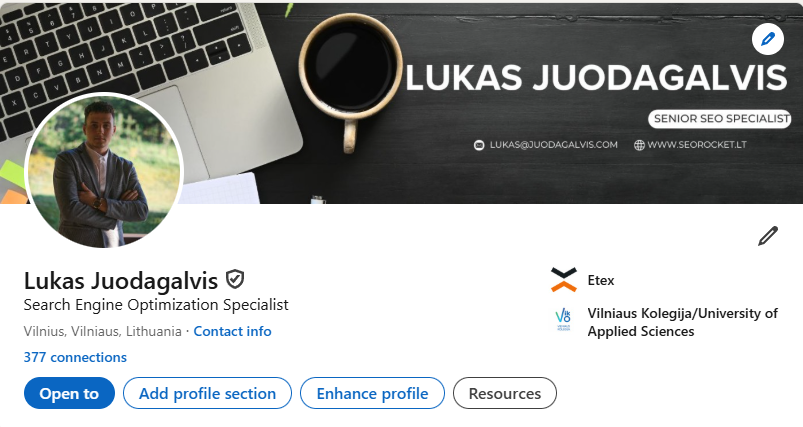
A profile is the starting point for a person’s presence on the platform.
It is a personal page with relevant experience, education, skills and other professional information.
It is often described as an online CV.
A profile can also explain what you work on, the problems you help solve and the evidence behind your experience. Do not invent achievements or credentials to fill a section.
Genuine recommendations and relevant examples can provide additional context. Endorsements and published posts are not independent verification of every claim.
Keep the profile accurate and appropriately public.
Review visibility settings and include information that supports the professional purpose without exposing unnecessary personal data.
Common uses
LinkedIn can help maintain professional relationships and discover relevant opportunities.
Groups and public discussions may provide places to exchange information, depending on their activity and quality.
Job listings can support recruitment and applications. Check the actual employer and application route before sharing sensitive information.
Paid products offer different capabilities. Premium, Sales Navigator and Recruiter are not interchangeable plans, so check current features, allowances and terms before subscribing.
The platform can support a professional presence, but does not guarantee a job, sale or introduction.
Using LinkedIn for professional relationships and sales
What can LinkedIn be used for?
Common uses include:
Professional connections
Connect where there is a genuine reason, such as shared work, a relevant discussion or a useful introduction. Search options and limits vary by product.
Avoid unauthorised automation, scraping or bulk outreach. LinkedIn prohibits tools that automate activity or manipulate engagement, and accounts can be restricted.
Job search and recruitment
Use relevant listings and a clear profile to explain your experience. Treat unfamiliar recruiters and requests for personal information with appropriate care.
Recruiters can use supported products and permitted messaging to contact suitable candidates. Access to a profile is not permission for unrelated mass marketing.
Sharing useful information
Publish accurate resources and participate in relevant discussions. A specific contribution is more useful than generic praise or repeated promotional comments.
Professional positioning
Use the profile and your work to explain:
- relevant experience, achievements and responsibilities;
- the subjects where you can make a credible contribution.
Research and sales
Sales Navigator and related functions may help identify relevant organisations and roles. Use the product’s supported capabilities and communicate respectfully; an identified contact is not automatically a qualified lead.
Check both the platform rules and data-protection requirements before using any third-party tool. A vendor’s claim that automation is safe does not override LinkedIn’s prohibition on unauthorised automated activity.